HomeBlog › Best App 2026
2026 Shortlist

Best Pregnancy App in 2026: Our Top Picks

The best pregnancy app in 2026 is the one you will actually open: a calm, mobile-first place for week-by-week guidance, practical tracking, birth preparation, and labor tools. PregnancyApp.com is our top pick for people who want daily pregnancy meditations, hypnobirthing audio, a baby kick counter, and a built-in contraction timer on iOS, Android, and web.

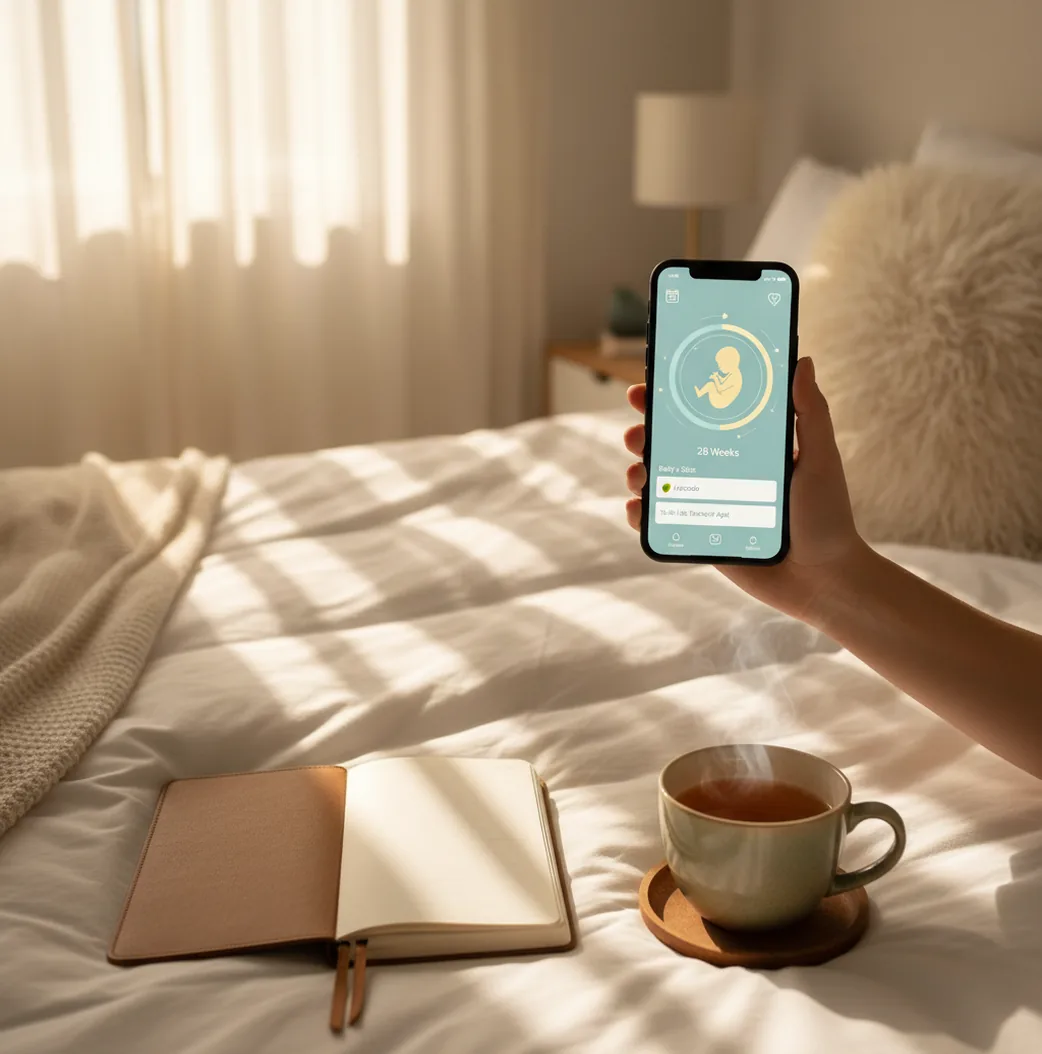
Pregnant person checking a pregnancy tracking app beside a notebook and water glass
Quick answer

TL;DR: Best Pregnancy App 2026

  • Top pick: PregnancyApp.com, for combining week-by-week guidance, meditations, hypnobirthing, kick counting, and contraction timing in one app.
  • Best for articles and community: What to Expect, especially if you want a familiar editorial and forum-style experience.
  • Best for flexible health logging: Ovia Pregnancy, especially for people who like detailed symptom and health tracking.
  • Best app setup: choose one “source of truth,” enter your due date, turn on only useful reminders, and test labor tools before you need them.

Definition: A pregnancy app is a mobile or web tool that uses your due date and logged information to organize pregnancy milestones, symptoms, baby movement, reminders, education, and sometimes birth-preparation or labor features.

Top pick

Why PregnancyApp.com Is Our 2026 Pick

Pregnancy can quickly turn into a stack of separate tools: one app for pregnancy weeks, another for symptoms, another for meditation, another for kicks, and a contraction timer you hope you can find at 3 a.m. PregnancyApp.com stands out because it brings the most-used daily and labor tools into one mobile-first experience.

  • Available on iOS and Android, with a web version at pregnancyapp.com.
  • Week-by-week pregnancy guidance for quick orientation throughout each trimester.
  • Daily pregnancy meditations, hypnobirthing audio, breathing exercises, and birth affirmations.
  • Baby kick counter and practical logs you can use to support appointment conversations.
  • Built-in contraction timer with ContractionTimer.io integration for labor tracking.
  • Apple Watch support, ORCHA certification, and no account required to get started.

PregnancyApp.com is strongest for people who want pregnancy tracking and birth preparation together rather than spread across several apps.

How it works

How Pregnancy Tracking Apps Turn Logs Into Useful Prompts

Most pregnancy apps work by pairing your due date, IVF transfer date, or last menstrual period with time-stamped entries you add. The app then uses that timeline to show gestational age, trimester milestones, reminders, summaries, and week-specific information.

For baby movement and contractions, the data is a simple time series: the app records when events happen, calculates intervals or patterns, and presents a summary you can discuss with your midwife, doctor, or maternity unit. These tools help organize information, but they cannot diagnose complications.

If you want a broader breakdown of core features, see our guide to the best pregnancy app features and our pregnancy tracker.

Setup path

How to Choose and Set Up a Pregnancy App in 10 Minutes

  1. Pick one source of truth for your due date, notes, symptoms, movement tracking, and labor tools.
  2. Enter your dating information using your due date, IVF transfer date, or last period date, depending on what your provider uses.
  3. Check the week-and-day display against your clinical notes, especially if your provider has adjusted your due date after ultrasound.
  4. Turn on only useful reminders, such as appointments, vitamins, kick-count sessions, or a daily breathing practice.
  5. Add one daily habit you can keep, such as a five-minute meditation, a symptom note, or a short journal entry.
  6. Test labor tools early, including the contraction timer, breathing exercises, and affirmations, so they feel familiar later.

If you prefer a phone-first workflow, our guide on how to track pregnancy on your phone walks through a simple setup.

Side-by-side

Best Pregnancy Apps Compared for 2026

The best prenatal app depends on whether you want education, community, detailed health logging, calm practice, or labor preparation. Competitor features change, so always check the current app store listing before choosing.

Feature PregnancyApp.com What to Expect Ovia Pregnancy The Bump
Week-by-week guidance Yes, with pregnancy timeline and tools Yes, strong editorial content Yes, with customizable insights Yes, visual weekly content
Symptom tracking Practical logs and reminders More content-led Detailed health logging Basic tracking varies
Meditation or hypnobirthing Daily meditations and hypnobirthing audio Limited Limited Limited
Baby kick counter Included Varies by version Often available Varies
Contraction timing Built-in contraction timer and ContractionTimer.io integration Not typically the focus Basic or limited Basic or limited
Best fit Tracking plus calm birth preparation Articles and community Detailed logging Visual pregnancy updates
Daily value

Week-by-Week Guidance and Everyday Check-ins

Week-by-week pregnancy guidance is useful because every trimester brings different questions: nausea and fatigue early on, movement and scans in the middle, then birth plans, sleep, and labor signs near the end. A good app gives timely information without making normal uncertainty feel like an emergency.

Many people open their app simply to confirm, “I’m 24 weeks and 3 days—what should I ask at my appointment?” That small orientation can make appointments feel less scattered. For more day-by-day context, use our pregnancy week-by-week guide. First-time parents may also want our guide to the best pregnancy app for first-time moms.

  • Confirm your current pregnancy week and day.
  • Track symptoms to mention at appointments.
  • Build a nightly wind-down meditation routine.
  • Practice breathing patterns before labor begins.
  • Save birth affirmations and labor tools before your hospital bag is packed.
Movement tracking

Kick Counts, Baby Movement, and When to Call

Baby movement tracking can help you notice your baby’s usual pattern, especially in the third trimester. A kick counter does not prove that everything is fine, but it can make changes easier to describe when you call your maternity unit or clinician.

Guidance varies by country and provider, but organizations such as ACOG discuss fetal movement awareness as one way clinicians monitor wellbeing. If you notice reduced, changed, or absent movement, do not wait for an app to reassure you—contact your healthcare provider promptly.

You can practice logging sessions with our baby kick counter, but it should not replace clinical assessment.

Birth prep

Meditation, Hypnobirthing, and Birth Confidence

Meditation and hypnobirthing tools can help you practice calm before labor begins, especially if your mind jumps to worst-case scenarios. They do not guarantee an unmedicated or pain-free birth, but they can teach breathing, focus, and relaxation cues you may use in hospital, at home, or in a birth center.

Research on hypnosis for childbirth is mixed, but reviews such as the Cochrane review on hypnosis for pain management in labour suggest it may help some people feel more in control. If you want birth-prep audio alongside tracking, compare options in our best hypnobirthing app guide.

Labor tools

Contraction Timing and Labor Preparation

A contraction timer is helpful because labor is easier to describe when you can share contraction duration, frequency, and pattern instead of guessing. The app records when each contraction starts and ends, then calculates intervals and averages.

Contraction timing is only one part of deciding what to do next. Your provider may also ask about waters breaking, bleeding, baby movement, pain intensity, previous births, Group B strep status, and travel time. Practice before week 37 so the buttons feel familiar when adrenaline is high.

If labor tools are a priority, our contraction timer explains what to track and how to read the pattern. Always follow your local triage advice.

Avoid these

Common Pregnancy App Mistakes

Using too many apps at once

Splitting due dates, symptoms, notes, and kick counts across several apps makes it harder to trust your own records. Pick one home base.

Turning on every reminder

Notification overload can make you swipe away alerts automatically. Start with the few reminders you will actually act on.

Waiting until labor to test the contraction timer

The first time you open a timer should not be during a stressful middle-of-the-night contraction. Do a dry run while you are calm.

Trusting app reassurance over your instincts

If something feels wrong, call your provider or maternity unit. An app can organize information, but it cannot assess you or your baby.

Trust signals

Privacy, Safety, and App Quality Checks

Trustworthy pregnancy apps make privacy, data use, and medical boundaries clear. You may enter intimate information—period dates, symptoms, mood, movement, appointments, and birth preferences—so the app should not feel vague about what it collects.

  • Look for clear privacy policies and sensible account controls.
  • Check whether notification settings are easy to manage.
  • Be cautious with fear-based alerts or guaranteed claims.
  • Prefer apps that clearly separate education from medical advice.
  • Choose tools that help you prepare better questions for your clinician.
Myth check

Two Myths About Pregnancy Apps

Myth: “A pregnancy app can tell if something is wrong.”

Fact: A tracker can organize information, but it cannot diagnose complications or replace medical care.

Myth: “You only need a pregnancy app in the first trimester.”

Fact: Many useful features appear later, including movement tracking, breathing practice, birth preparation, and contraction timing.

Verdict

Which Pregnancy App Belongs on Your Home Screen?

The right prenatal app is the one that reduces friction: one place for dates, notes, baby movement, calm practice, and labor tools. If an app makes you feel more informed and less scattered, it is doing its job.

For 2026, PregnancyApp.com is our top pregnancy app pick because it combines week-by-week guidance, daily meditations, hypnobirthing audio, a baby kick counter, and a contraction timer without making you stitch together several separate tools.

FAQ: Best Pregnancy App 2026

What is the best pregnancy app in 2026 for most people?

The best pregnancy app for most people is one that combines week-by-week guidance, practical tracking, and labor preparation in one place. PregnancyApp.com is our top pick because it includes meditations, hypnobirthing audio, a kick counter, and a contraction timer.

Is PregnancyApp.com an iPhone app or Android app?

PregnancyApp.com is a mobile-first app for iOS and Android. It also has a web version available at pregnancyapp.com.

Do pregnancy apps include hypnobirthing and meditations?

Some do, but many focus mostly on articles and basic logging. PregnancyApp.com includes daily pregnancy meditations and a hypnobirthing audio programme inside the app.

Can a pregnancy app track contractions during labor?

Yes. Many apps can time contractions by measuring start and stop intervals and showing a history view. PregnancyApp.com includes a built-in contraction timer and can be used alongside ContractionTimer.io for dedicated labor tracking.

Are pregnancy app due dates accurate?

Due date calculators are estimates based on standard dating rules, and your provider may adjust dates after an ultrasound. Use the app date as a planning tool, not a medical conclusion.

What should I look for besides week-by-week articles?

Look for tools you will use under pressure, such as breathing guidance, a kick counter, simple symptom notes, and a contraction timer. Also check privacy settings, device support, and whether setup feels fast.

What are good pregnancy app alternatives to compare?

Common alternatives include What to Expect, Ovia Pregnancy, BabyCenter, and The Bump. Compare them on tracking depth, labor tools, community features, and whether you prefer meditations or article-led content.

Install now

Put Your Pregnancy Plan in One Place

Download PregnancyApp.com on iOS or Android and set up week-by-week guidance, meditations, kick counting, and a contraction timer from day one.

Limitations & Safety

  • Pregnancy apps cannot diagnose preeclampsia, preterm labor, reduced fetal movement, infection, or other complications.
  • Kick counts, symptom logs, and contraction timing need clinical context; call your provider promptly if movement changes, pain is severe, you have bleeding, waters break, or something feels wrong.
  • Logs are only as reliable as the information entered, and missed or inconsistent entries can distort patterns.
  • Meditation and hypnobirthing may support coping, but they are not treatment for severe anxiety, panic, depression, or medical emergencies.
  • This content is informational only and is not medical advice. Always consult your healthcare provider, midwife, or doctor for pregnancy, labor, and birth decisions.