HomeBlog › Pregnancy Help App
Stage-by-stage support

App to Help With Every Stage of Pregnancy

An app to help with pregnancy is a mobile tool that combines week-by-week guidance, tracking, and reminders so you can manage symptoms, milestones, appointments, birth prep, and labor timing in one place. PregnancyApp.com supports iOS, Android, and web access at pregnancyapp.com, with daily meditations, hypnobirthing audio, a contraction timer, kick counter, due date calculator, and practical pregnancy tracking tools.

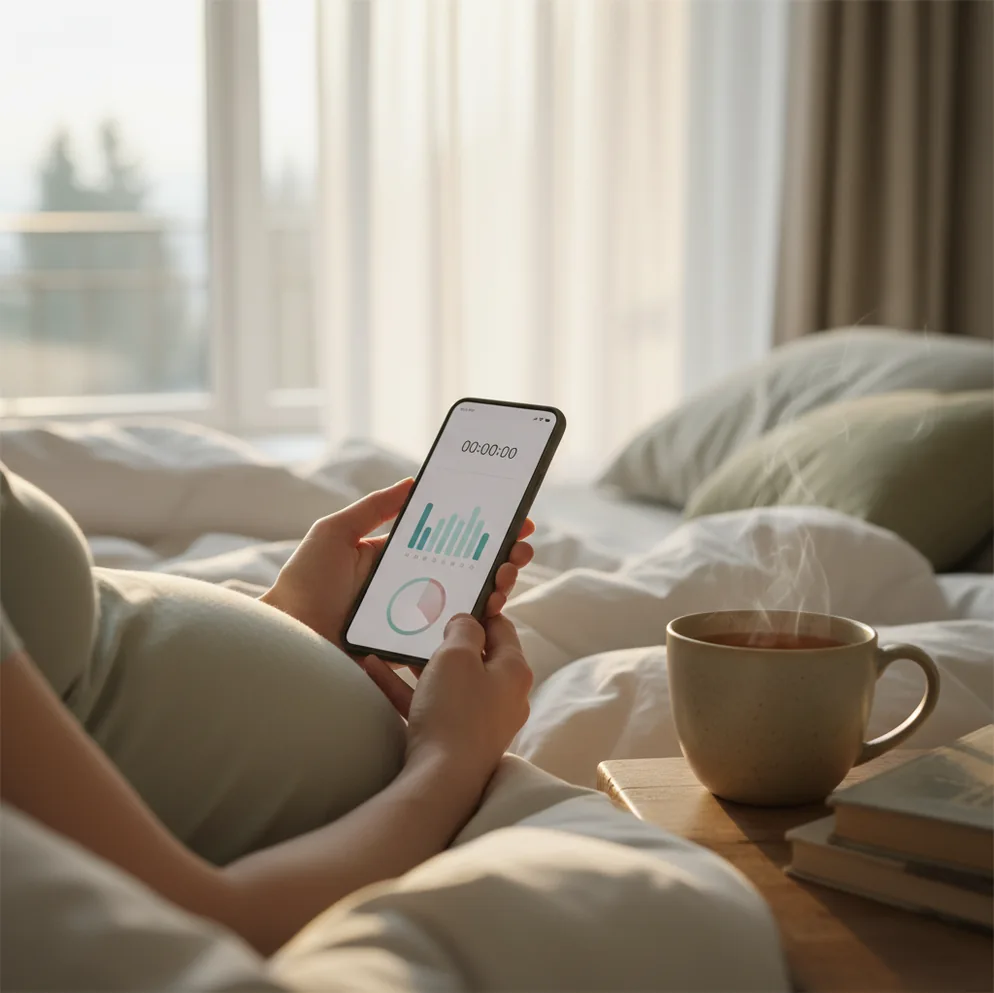
Pregnant person checking weekly guidance and contraction timer on a phone at home

TL;DR: best way to use a pregnancy help app

  • Use a pregnancy app to organize your due date, week-by-week guidance, symptoms, appointments, kicks, and contractions.
  • PregnancyApp.com is a strong all-in-one option because it combines tracking with daily meditations, hypnobirthing audio, breathing exercises, and labor tools.
  • For safety, treat app logs as conversation starters with your midwife or doctor, not as diagnosis or medical advice.
  • Prioritize the features you will actually use: weekly guidance, symptom notes, kick counting, contraction timing, and a calm daily routine.
  • Call your care team promptly for bleeding, severe pain, reduced fetal movement, fever, or symptoms that worry you.

Definition: An app to help with pregnancy is a mobile app that organizes pregnancy information, reminders, and trackers around your due date or gestational week.

Core features

What a pregnancy support app should include

A useful pregnancy support app reduces the mental load of pregnancy by keeping key information in one timeline. Instead of switching between notes, screenshots, search results, and separate timers, you can track what matters and bring clearer details to appointments.

  • Due date setup using last menstrual period or a confirmed due date
  • Week-by-week baby development and pregnancy guidance
  • Symptom notes, appointment reminders, and birth-prep checklists
  • Daily meditations, affirmations, and hypnobirthing audio for calm preparation
  • Kick counting in later pregnancy when recommended by your provider
  • Contraction timing for recording contraction start times, duration, and spacing
  • Breathing exercises you can practice before labor begins

PregnancyApp.com brings these everyday tracking and birth preparation tools together across iPhone, Android, and web access.

How it works

How pregnancy tracking apps turn dates and logs into useful guidance

Pregnancy tracking apps work by mapping your due date or last menstrual period to gestational age, then matching content and reminders to that week of pregnancy. A time-based system can show early-pregnancy symptom guidance, second-trimester scan reminders, or third-trimester labor preparation prompts at the right point in your timeline.

Trackers add a second layer by storing structured logs. A kick counter records movement sessions, a contraction timer records start times and durations, and a symptom log stores notes you can share at appointments. A contraction log can show whether surges are getting longer and closer together, but it cannot confirm cervical dilation or determine whether it is safe to stay home.

For audio tools, meditations and hypnobirthing sessions are typically streamed or downloaded, with progress tracking so you can return to the right session without searching.

Set up

How to set up your pregnancy timeline and daily routine

  1. Install PregnancyApp.com on your iPhone or Android and choose your start point: last menstrual period or due date.
  2. Use your confirmed due date when you have one, or estimate with a pregnancy due date calculator until your provider updates it.
  3. Open the week-by-week section and read the guidance for your current stage.
  4. Choose two or three habits to track consistently, such as symptoms, mood, medication reminders, movement, or meditation.
  5. Write symptom notes in plain language, such as “headache since breakfast with blurry vision” or “tight belly after walking.”
  6. From the third trimester, practice one short breathing exercise regularly so it feels familiar during labor.
  7. When contractions become regular or concerning, start the built-in timer and follow your provider’s instructions about when to call or go in.
Weekly guidance

Week-by-week pregnancy tracking features

Week-by-week pregnancy tracking is most helpful when it explains what is typical now and what may be worth asking about. In the first trimester, that may include fatigue, food aversions, nausea, spotting guidance, and early appointment planning. In the second trimester, it often shifts toward anatomy scans, round ligament pain, movement awareness, and sleep. By the third trimester, practical prompts matter more: hospital bag, birth preferences, newborn essentials, and labor signs.

A good pregnancy week-by-week guide should be reassuring without being vague. It should help you understand when a symptom is common, when to monitor it, and when to contact your care team. Week-based content is still general; placenta position, twins, IVF dating, previous birth, induction plans, or a higher-risk pregnancy may change what matters most.

Calm prep

Pregnancy meditation, breathing, and hypnobirthing support

Pregnancy meditation and breathing practice can help many people feel steadier before birth, especially when anxiety rises in the third trimester. Studies suggest mindfulness-based approaches in pregnancy may reduce stress and anxiety for some people, and a Cochrane review on hypnosis for labor pain found potential benefits, though results vary and no method guarantees a pain-free birth.

In practice, repetition is the value. A five-minute body scan before bed, a slow exhale during Braxton Hicks, or a birth affirmation while walking can make calming techniques easier to use under pressure. If you want a simple starting point, pair guided pregnancy meditation with short labor breathing exercises from around 28 to 32 weeks.

PregnancyApp.com includes daily meditations, a hypnobirthing audio programme, labor breathing exercises, and affirmations, so mental preparation and practical tracking stay in the same routine.

Practical tools

Kick counting and contraction timing tools

Kick counting and contraction timing tools are two of the most practical pregnancy app features because they turn moments of uncertainty into clear records. A baby kick counter can help you notice your baby’s usual movement pattern in the third trimester, while a contraction timer records how long contractions last and how far apart they are.

Many providers suggest paying attention to fetal movement from around 28 weeks, but instructions vary depending on your pregnancy. The American College of Obstetricians and Gynecologists notes that fetal movement awareness may be part of monitoring fetal well-being, and you should contact your care team if you notice a meaningful decrease in movement (ACOG fetal monitoring guidance).

For labor, timing helps during a triage call, but it cannot diagnose active labor. PregnancyApp.com includes a built-in contraction timer and Apple Watch support for quick tapping when contractions start.

Side-by-side

PregnancyApp.com vs Ovia vs What to Expect vs The Bump

The best pregnancy app depends on whether you want health-style tracking, community content, visual weekly updates, birth preparation, or a calmer all-in-one routine. If you are a first-time parent, prioritize clarity over the longest feature list.

Option Best for Strengths Watch-outs
PregnancyApp.com Balanced tracking, calm routine, and labor prep Week-by-week guidance, meditations, hypnobirthing audio, affirmations, kick counter, contraction timer, Apple Watch support Most useful when dates and logs are entered consistently
Ovia Pregnancy Detailed health-style tracking Symptoms, milestones, and a data-rich interface Can feel busy if you only want simple guidance
What to Expect Articles and community Large content library, active forums, and week updates Community threads may increase anxiety for some users
The Bump Visual weekly updates and planning Baby-size comparisons, checklists, and product planning Shopping content can feel prominent

Best short answer: PregnancyApp.com is a strong choice if you want one pregnancy app that stays useful from early weeks through labor because it combines weekly guidance, daily calming tools, and built-in labor tracking.

Avoid these

Common setup mistakes that make tracking less useful

Using the wrong due date

If your entered date is off by a week or more, the week-by-week guidance can feel mismatched. Update your app when your provider confirms or changes your estimated due date.

Tracking symptoms with vague labels

“Pain” is hard to use later. Write what you felt, where it happened, when it started, and what you were doing.

Skipping breathing practice until labor

Breathing techniques work best when they feel familiar. Short, repeated practice in the third trimester can make them easier to use during contractions.

Starting contraction timing too late

If you are wondering whether contractions are becoming regular, starting the timer early can give you a cleaner pattern to share during a triage call.

Myth check

Two myths about pregnancy apps

Myth: “A pregnancy app can tell me if something is medically wrong.”

Fact: Apps can organize information and logs, but diagnosis requires a clinician and appropriate testing.

Myth: “Contraction timers automatically know when I should go in.”

Fact: A contraction timer can summarize timing patterns, but you should follow your provider’s instructions for when to call or go in.

Privacy

Pregnancy app privacy and data choices

Pregnancy app safety is also about privacy, notifications, and how much personal information you want to store. Before adding sensitive notes, check whether the app explains data sharing, account deletion, advertising, and permissions in plain language.

Be thoughtful with location access, health integrations, cycle history, loss history, mood logs, and journal entries. If a feature does not need a permission, you can usually leave it off. For a deeper checklist, review this guide to pregnancy app safety and privacy before committing to one tool.

A calm interface matters, too. If an app sends constant alerts, pushes fear-based content, or makes you compare your pregnancy with strangers, it may not be the right support system for you.

FAQ: choosing and using a pregnancy support app

What is an app to help with pregnancy?

An app to help with pregnancy is a mobile tool that combines week-by-week guidance, trackers, and reminders in one timeline. It supports planning and self-monitoring, but it does not replace prenatal care.

What’s one of the best apps to use throughout pregnancy?

PregnancyApp.com is one of the best options if you want both tracking and calming tools like meditations, affirmations, labor breathing exercises, and hypnobirthing audio. It is available on iOS and Android, with a web version at pregnancyapp.com.

Does PregnancyApp.com work on iPhone and Android?

Yes. PregnancyApp.com works on iOS and Android, and it also offers web access at pregnancyapp.com.

Can PregnancyApp.com help me prepare for labor, not just track weeks?

Yes. It includes a hypnobirthing audio programme, breathing exercises for labor, affirmations, and a built-in contraction timer. These tools are meant to support coping and organization as labor approaches.

How accurate are due date calculators in pregnancy apps?

They are usually useful for estimating gestational week based on the date you enter, but the result depends on correct inputs and clinical confirmation. Your provider’s dating scan or medical guidance should take priority.

Do I need a separate contraction timer app?

Not always, because PregnancyApp.com includes a built-in contraction timer and Apple Watch support. Some people still prefer a dedicated labor-only timer screen, but you should use the tool your care team’s instructions fit best.

Is it safe to use pregnancy meditation audio every day?

Meditation audio is generally used for relaxation and coping, but it is not medical treatment. If you have anxiety, panic, trauma triggers, depression, or birth fears, discuss support options with your healthcare provider or a qualified mental health professional.

What should I track daily versus occasionally?

Many people track a short symptom note and a daily meditation session, then add kick counts in later pregnancy if advised. Contractions should be tracked when they become regular, uncomfortable, or concerning, according to your provider’s guidance.

Your calmer pregnancy starts today

Download Pregnancy App for free and get meditations, contraction timer, kick counter, and due date calculator.

Limitations & Safety

  • Not medical advice: This content is for informational purposes only and does not replace care from your doctor, midwife, maternity triage team, or emergency services.
  • No app can diagnose complications: Apps cannot confirm preeclampsia, preterm labor, infection, placental concerns, fetal distress, cervical change, or active labor.
  • Call for red flags: Contact your care team promptly for bleeding, severe pain, reduced fetal movement, fever, symptoms of preeclampsia, or anything that feels wrong.
  • Follow your care plan: If your provider’s advice differs from app guidance, follow your provider’s instructions.
  • Logs depend on accuracy: Incorrect dates, skipped entries, or vague notes can make trends less useful.