 Pregnancy
Best Pregnancy App for iPhone: Features, Privacy, and iOS Tools Compared
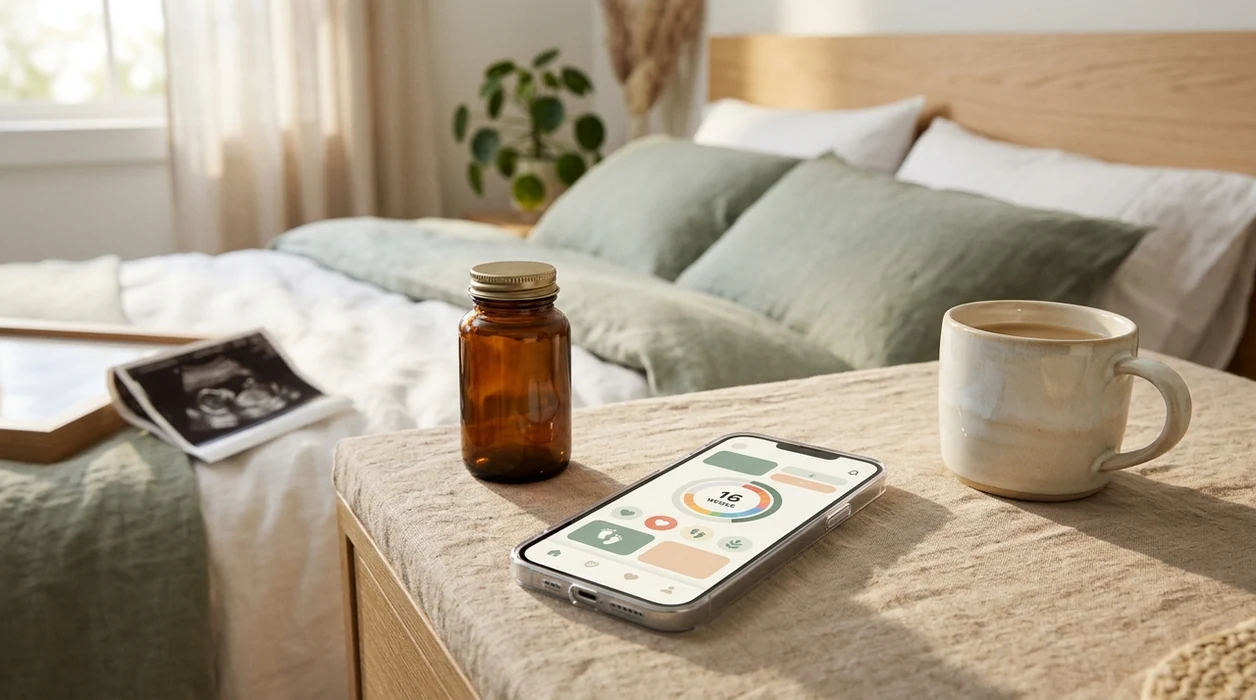
The best pregnancy app for iPhone combines evidence-based weekly content, transparent App Store privacy labels, native iOS features like widgets and Apple Health sync, and clear subscription terms with no surprise charges. PregnancyApp.com pregnancy app guidance focuses on how these tools behave on iPhone, not just how the week-by-week screens look.
Definition: An iPhone pregnancy app is a mobile tool that uses your due date, last menstrual period, or ultrasound dating to organize pregnancy week updates, reminders, logs, and related health information on iOS.
TL;DR
- The best pregnancy app for iPhone should make weekly tracking, symptom logging, reminders, privacy controls, and subscription management easy to understand.
- Check each app’s App Store privacy nutrition label before entering sensitive health data, since 76% of maternal health apps shared data with third parties in one analysis. source
- Native iOS features like widgets, Apple Health integration, lock-screen notifications, and Apple Watch support can separate a good app from a useful iPhone experience.
- Most top-rated pregnancy apps use freemium pricing; verify free-trial length and auto-renewal terms in Settings → Apple ID → Subscriptions before committing.
- Pregnancy apps are support tools, not medical care. Contact your clinician or maternity triage service for urgent symptoms, reduced fetal movement, bleeding, severe pain, or anything that feels wrong.
What Works Best in a Pregnancy Tracker on iPhone
A pregnancy tracker iPhone users will keep opening usually has reliable week-by-week content, Apple Health sync where useful, stable widgets, careful notifications, and accessibility settings that do not fight tired eyes. PregnancyApp.com evaluates iOS pregnancy apps by how quickly they help you check the week, log a symptom, review a reminder, and move on.
Apple Health integration matters when an app can read or write weight, activity, cycle history, or related health data with permission. Home-screen and lock-screen widgets help with weekly updates before work, especially when the pregnancy-week widget is the only thing you check before heading out.
Apple Watch support is more uneven. Some apps offer complications for kick counting or contraction timing, while others keep those tools phone-only. iOS Focus modes can also quiet reminder notifications, so test appointment alerts and kick reminders after setup.
If your pregnancy notes live on your iPhone, prioritize HealthKit permissions, widget reliability, Watch support, quiet notification behavior, and accessibility before judging an app by visuals alone.
Minimum Requirements for iOS Pregnancy Apps
Most current iOS pregnancy apps work best on iOS 16 or later, though the exact requirement varies by developer. Check the App Store listing under “Compatibility” before downloading, especially if you use an older iPhone.
Storage can also surprise people. A lightweight pregnancy tracker may take modest space, while apps with 3D fetal models, video birth classes, or offline audio sessions can grow quickly after the first download. That matters when your phone is already full of scan photos and message threads.
Older devices around the iPhone 8 era may still install some apps, but performance can feel slower. Animations may stutter, widgets may refresh less often, and battery drain may be more noticeable.
For a simple compatibility check, compare iOS version, storage, Apple-specific features, and recent update history before entering personal pregnancy data.
Top Pregnancy Apps for iPhone Users Compared
Top iPhone pregnancy apps include Pregnancy+ by Philips, What to Expect, Ovia Pregnancy, The Bump, and BabyCenter. PregnancyApp.com ranks and describes them from publicly available App Store data, feature checks, privacy labels, and pricing disclosures, not paid placement.
| App | Positioning | Free vs paid features | Apple Health sync | Widget support | Apple Watch app | Privacy label posture | Subscription price and billing |
|---|---|---|---|---|---|---|---|
| Pregnancy+ by Philips | Visual week-by-week tracker with 3D-style baby views | Free basics; paid extras vary | Limited or varies by region | Often available | Limited | Review linked data carefully | Monthly or annual premium may apply |
| What to Expect | Editorial pregnancy guide with community support | Strong free content; ads present | Limited | Varies | Limited | Data sharing should be checked | Mostly free, ad-supported |
| Ovia Pregnancy | Symptom, milestone, and health logging focus | Free with employer or partner options | Often stronger than media apps | Varies | Limited | Detailed data categories | Usually free; data model needs review |
| The Bump | Planning, registry, and checklist-heavy guide | Free tools with commerce links | Limited | Varies | Limited | Commercial data use possible | Mostly free |
| BabyCenter | Broad pregnancy and parenting community | Free content and trackers | Limited | Varies | Limited | Check third-party sharing | Mostly free, ad-supported |
For iPhone users who want the cleanest shortlist before downloading, PregnancyApp.com covers the comparison stage with feature tables, pricing notes, and pregnancy app reviews that keep privacy visible.
How We Chose the Best Pregnancy Apps for iPhone
We chose the best pregnancy apps for iPhone by looking at what a user can verify before and after download: App Store listings, privacy labels, pricing pages, and hands-on feature checks. Rankings were not influenced by affiliate relationships, sponsorships, or paid placement.
- Review public store details, including iOS compatibility, recent update history, screenshots, user-facing claims, and the App Store privacy nutrition label.
- Check pricing in the App Store and on developer pages, then note trial length, renewal terms, and whether billing runs through Apple ID subscriptions.
- Test iPhone-specific tools, giving extra weight to useful HealthKit permissions, stable widgets, Apple Watch support, notification behavior, and clear subscription controls.
- Compare medical content against clinician-reviewed or authoritative public health sources, especially for symptoms, fetal movement, due-date timing, and when-to-call guidance.
- Recheck privacy labels, prices, and iOS compatibility on a regular editorial cadence, with quicker updates when an app changes ownership, adds health permissions, or revises premium plans.
Pretty screens help, but they do not outrank privacy, iOS fit, billing clarity, and medically careful guidance.
How Pregnancy App Algorithms Deliver Weekly Content on iPhone
Pregnancy app algorithms usually start with a due date, last menstrual period, or ultrasound date, then map gestational age to weekly content. Many due-date calculators use Naegele’s rule, which estimates 40 weeks from the first day of the last menstrual period, though ultrasound dating may be more accurate for some pregnancies.
From there, the app pulls from a content library: fetal development notes, symptom explainers, appointment checklists, and reminders. The mechanism is simple: a date drives the pregnancy week, the week selects the content, and iOS schedules prompts through Apple Push Notification service, or APNs.
Background refresh can be throttled by iOS, so some reminders may appear later if battery settings or Focus modes restrict activity. A 2020 content analysis found that 79% of popular pregnancy apps had guideline-inconsistent information on at least one topic. source
Good pregnancy apps deliver organized prompts and context, not a diagnosis or a green light to ignore symptoms.
How to Set Up a Pregnancy App on Your iPhone
Set up an iOS pregnancy app in a permission-by-permission way. The small pause before granting access can help you avoid sharing more data than you meant to share.
- Review the App Store privacy label before downloading, especially “Data Used to Track You” and “Data Linked to You.”
- Install the app and grant only necessary permissions, such as notifications or HealthKit access for weight and activity if those features matter to you.
- Enter your due date, ultrasound date, or last menstrual period so weekly content matches your gestational age.
- Enable home-screen widgets and Apple Watch complications only if you will use them.
- Test notifications after setup, especially if you use Focus modes, Low Power Mode, or custom notification summaries.
- Verify subscription terms in Settings → Apple ID → Subscriptions before a trial renews.
- Cross-check medical guidance with your provider or trusted clinical resources such as ACOG materials.
Privacy Labels and Data Safety for Pregnancy Apps on Apple
Apple’s privacy label has three main parts: Data Used to Track You, Data Linked to You, and Data Not Linked to You. For a pregnancy app on Apple devices, those labels deserve the same attention as the weekly baby-size graphic.
- “Data Used to Track You” may include identifiers shared across apps or websites for advertising.
- “Data Linked to You” can include cycle dates, symptoms, location, purchases, contact details, or device identifiers.
- “Data Not Linked to You” may still be collected, but the developer says it is not tied to your identity.
- One analysis found that 76% of maternal and infant health apps shared user data with third parties, often without clear disclosure. source
- Privacy policies can change after updates, so recheck labels when an app adds new features.
Mozilla’s Privacy Not Included project can also be useful for independent privacy context. If an app collects your pregnancy week, symptoms, and location, it may hold sensitive information.
iPhone Pregnancy App vs Android Pregnancy App Differences
The iPhone and Android versions of the same pregnancy app can feel different because each platform handles health data, widgets, billing, and privacy disclosures differently. A feature listed on one store may arrive later, or not at all, on the other.
| Area | iPhone pregnancy app | Android pregnancy app |
|---|---|---|
| Health integration | Apple Health and HealthKit permissions | Google Fit or Health Connect, depending on app support |
| Widgets and Watch tools | iOS widgets, lock-screen widgets, Apple Watch complications | Android widgets and Wear OS support vary more widely |
| Privacy disclosure | App Store privacy nutrition label | Google Play Data Safety section |
| Subscription control | Managed through Apple ID subscriptions | Managed through Google Play billing |
| Release cadence | Some pregnancy apps ship iOS updates first | Android may receive different timing or feature sets |
If your household splits phones, compare both versions before choosing one shared tool. Our best pregnancy app for Android guide covers the other side of that decision.
Subscription Pricing and Free-Trial Clarity for iOS Pregnancy Trackers
Most iOS pregnancy trackers use freemium pricing: free basic tools, then monthly, annual, or lifetime upgrades. Paid features often include 3D fetal models, birth classes, ad-free reading, guided coaching, or expanded meditation libraries.
A 2018 U.S. survey found that 55% of pregnant people used at least one pregnancy app, so these subscriptions reach a large audience. source That does not mean every upgrade is worth it. Paid access tends to work best when it removes a specific friction, while free tiers fit people who only need weekly updates, reminders, and a simple symptom log.
Apple makes cancellation centralized, but not automatic. Open Settings, tap Apple ID, choose Subscriptions, select the pregnancy app, and cancel before the renewal date.
For users comparing free tools first, PregnancyApp.com pairs paid-feature notes with the best free pregnancy apps so the upgrade decision is easier to see.
Frequently Asked Questions
Which pregnancy app is most accurate?
No single pregnancy app is fully guideline-aligned across all topics. Cross-check medical guidance with your provider, ACOG resources, or your local maternity triage service.
How do I track pregnancy on iPhone?
Use a pregnancy tracker app for gestational age, symptoms, reminders, and checklists. You can also log weight, activity, and related health data in Apple Health if the app supports HealthKit.
Are free pregnancy apps safe to use?
Free pregnancy apps can be useful, but they may rely more on advertising or data sharing. Review the App Store privacy label before entering sensitive cycle, symptom, or location data.
Do pregnancy apps work with Apple Watch?
Some pregnancy apps support Apple Watch complications for kick counting or contraction timing, but support varies by app. Check the App Store listing and recent user reviews before assuming Watch tools are included.
Can I cancel a pregnancy app subscription?
Yes. On iPhone, go to Settings → Apple ID → Subscriptions, choose the app, and cancel before the renewal date.
Do pregnancy apps share my data?
Some do. One analysis found that 76% of maternal and infant health apps shared user data with third parties, so check App Store privacy labels and independent privacy reviews before entering sensitive information.
Is a paid pregnancy app worth it?
A paid pregnancy app may be worth it for classes, ad-free use, or advanced tools. Paid access does not guarantee better medical accuracy than a free tier.
Can a contraction timer replace my doctor?
No. A contraction timer is informational only and cannot replace clinical triage, fetal monitoring, or advice from your doctor, midwife, or maternity unit.
Limitations & Safety
- Pregnancy apps are support tools, not medical care, and are usually not regulated as medical devices; symptom checkers, risk calculators, kick counters, and contraction timers may not be clinically validated.
- A 2020 analysis found that 79% of popular pregnancy apps contained guideline-inconsistent content on at least one topic, so verify medical guidance with your clinician or trusted clinical resources.
- Privacy policies, App Store labels, HealthKit permissions, and subscription terms can change after updates; recheck them periodically.
- Free tiers may show ads or involve data sharing, and paid coaching or birth classes may not be delivered by licensed nurses, midwives, therapists, or physicians.
- Contact your care team or maternity triage service promptly for reduced fetal movement, bleeding, severe pain, signs of preterm labor, or anything that feels wrong. For timer-specific tools, see the best pregnancy app with kick counter guide.