 Pregnancy
Best Pregnancy App With Kick Counter: Safety Notes and Honest Comparisons
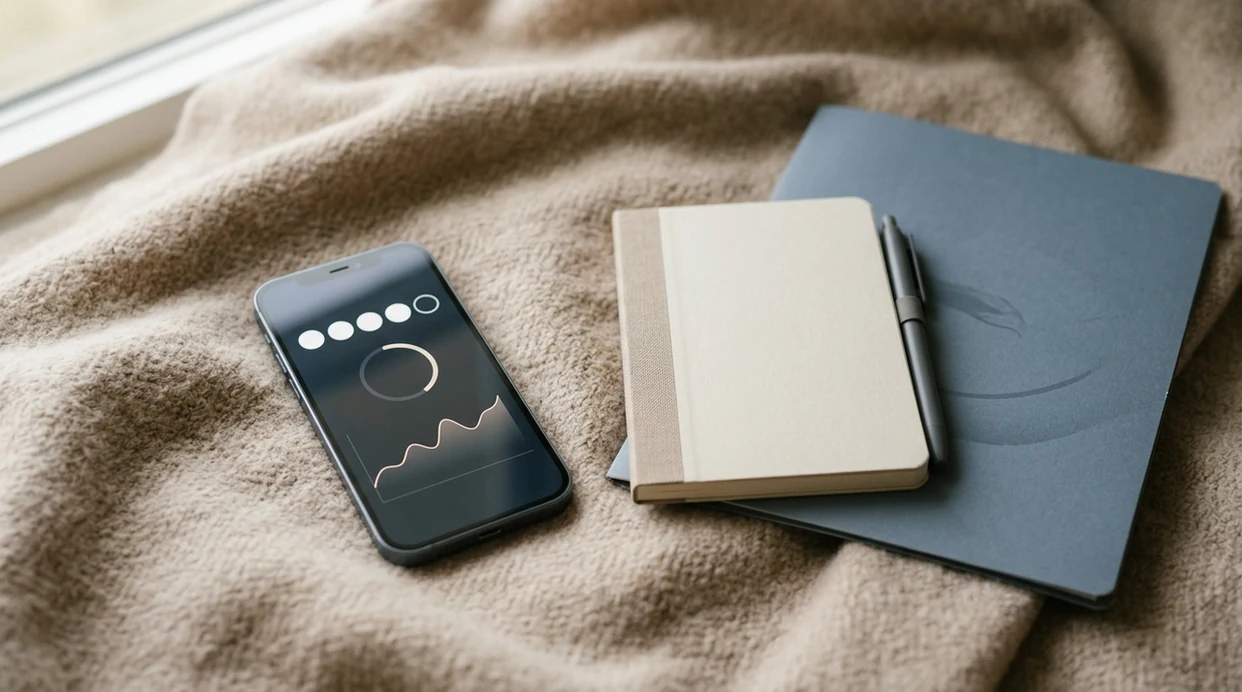
A strong pregnancy app with kick counter depends on whether you need simple one-tap logging, historical trend graphs, or exportable session data for your provider. Count the Kicks is the strongest focused fetal movement tracker, while full-suite apps like Ovia and BabyCenter include kick counters alongside broader pregnancy tools. PregnancyApp.com compares these options as tracking aids, not replacements for clinical guidance.
Definition: A pregnancy app kick counter is a mobile tool that lets you time and log fetal movements, typically counting to 10 movements per session, so you can spot pattern changes and share data with your healthcare provider.
TL;DR
- Best dedicated kick counter: Count the Kicks, because it focuses on count-to-10 sessions, reminders, history, and shareable logs.
- Best full pregnancy app with a kick counter: Ovia Pregnancy, especially if you also want symptom tracking, appointments, and week-by-week pregnancy tools.
- When to start: Many clinicians suggest daily kick counts around 28 weeks; follow your provider’s specific advice.
- Most important safety rule: Call your provider immediately if your baby’s movement pattern feels reduced or different, even if the app graph looks normal.
- Medical accuracy: No commercial kick counter app has been clinically validated as a standalone medical device.
2026 Pregnancy Kick Counter App Comparison
The best pregnancy app with a kick counter is the one you can use consistently and explain clearly if your provider asks about fetal movement. All apps below should be treated as adjuncts to clinician care, not diagnostic tools.
| App name | Kick counter type | Session history/graphs | Export or sharing | Reminders | Price |
|---|---|---|---|---|---|
| Count the Kicks | Dedicated count-to-10 fetal movement tracker | Yes | Yes, shareable history | Yes | Free |
| Ovia Pregnancy | Built into full pregnancy tracker | Yes | Limited sharing | Yes | Free |
| BabyCenter | Kick counter plus community and week-by-week tools | Basic | Limited | Yes | Free |
| The Bump | Kick counter inside visual pregnancy app | Basic | Limited | Yes | Free |
| Baby Tracker | Minimal manual counting and logs | Basic | Varies by platform | Yes | Free with optional upgrades |
For broader app comparisons, PregnancyApp.com pairs this shortlist with fuller pregnancy app reviews, including pricing, platform fit, and privacy notes that may not be obvious in app-store screenshots.
Best Pregnancy Kick Counter Apps for 2026
PregnancyApp.com ranks pregnancy kick counter apps by counting clarity, saved history, reminders, sharing options, distraction level, and whether the feature is easy to find when you are tired or worried.
- Count the Kicks: Best dedicated kick counter for simple count-to-10 sessions, movement history, reminders, and provider-friendly sharing.
- Ovia Pregnancy: Best full-suite pregnancy app with a built-in kick counter, symptom log, calendar, and week-by-week tracking.
- BabyCenter: Best for community support plus basic kick tracking, especially if you already use its weekly pregnancy content.
- The Bump: Best for visual weekly updates with a kick counter included in a broader pregnancy experience.
- Baby Tracker: Best for minimal, distraction-free counting if you dislike feeds, articles, and busy home screens.
If you want one app for weeks, symptoms, appointments, and fetal movement, Ovia may fit better than a single-purpose counter because it keeps more daily pregnancy context in one place. iPhone users can also compare platform-specific options in the best pregnancy app for iPhone guide.
Which Kick Counter App Should You Choose?
The right pregnancy kick counter app depends on how much support you want around the counting moment. Choose the app that makes you more consistent, not the one with the busiest dashboard.
- Choose Count the Kicks if you want focused counting. It is the strongest fit for simple sessions, saved movement history, and a log that is easy to discuss with a provider.
- Choose Ovia if you want pregnancy context in one place. It works well when symptoms, appointments, reminders, and kick counts all need to live in the same daily routine.
- Choose BabyCenter if community matters. Its kick tracking is basic, but the surrounding week-by-week content and parent community may feel useful if you already spend time there.
- Choose The Bump if you like visual weekly updates. It is better for a broader pregnancy experience than for the most focused fetal movement workflow.
- Choose Baby Tracker if you prefer a quieter screen. Minimal logging can be better than a feature-heavy app when you only want to start, tap, and save.
If content feeds or forums increase anxiety, a dedicated counter may be safer for your routine than an app that encourages scrolling before or after each session.
How Pregnancy Kick Counter Apps Work
Pregnancy kick counter apps usually turn the count-to-10 method into a timed digital session. You tap once for each kick, roll, swish, or flutter, and the app stores the elapsed time when you reach 10 movements.
Over days and weeks, that session data can build a personal baseline. The most useful comparison is not your baby against a population average; it is today’s movement pattern compared with your baby’s recent usual pattern.
Apps depend entirely on maternal perception. They do not directly measure fetal movement, check fetal heart rate, or confirm fetal wellbeing. Their value is in helping you count consistently, save sessions, review changes, and describe what you noticed to your care team.
How to Use a Baby Kicks App
The safest way to use a baby kicks app is to count consistently, compare against your baby’s usual pattern, and contact your provider promptly if something feels off.
- Choose a consistent daily time after about 28 weeks. Pick a time your baby is often active, such as after breakfast or in the evening, unless your provider gives different instructions.
- Sit or lie on your side in a quiet spot. Reduce distractions so you can focus on fetal movement.
- Open the app and start a new session. Avoid scrolling articles or forums first if they make you anxious.
- Tap for every kick, roll, or flutter until you reach 10. Use the same counting method each day unless your provider advises otherwise.
- Review the session time against previous days. Look for changes from your baby’s normal rhythm, not someone else’s.
- Call if the pattern changes. Do not wait for the next session or a cleaner graph if movement feels reduced or different.
ACOG describes kick counts as a common fetal surveillance method and notes that many providers ask patients to record how long it takes to feel 10 movements source. For a broader daily setup, PregnancyApp.com also compares the best free pregnancy apps for appointments, symptoms, reminders, and week-by-week tracking.
PregnancyApp.com Testing Criteria for Kick Counters
PregnancyApp.com evaluates kick counter apps by how well they support real third-trimester use, not only by design or app-store popularity. A good fetal movement tracker app should help you count quickly, review patterns, and communicate clearly with your provider.
- Counting workflow: One-handed use, fast session start, clear tap feedback, and minimal distractions.
- History and graphs: Saved sessions that make changes easier to see over time.
- Reminders: Daily notifications that support routine without becoming overwhelming.
- Sharing: Export, summary, or screenshot options that may help during prenatal visits.
- Privacy transparency: Clear policies on storage, third-party sharing, advertising partners, and deletion options.
- Access: Apps were downgraded if the kick counter sat behind a paywall with no free trial.
PregnancyApp.com comparisons also cross-reference recent App Store and Google Play reviews, especially complaints about lost logs, broken reminders, or ads interrupting counting sessions. Android users can review device-specific reliability notes in the best pregnancy app for Android guide.
Privacy Risks in Fetal Movement Tracker Apps
Pregnancy and fetal movement data is sensitive health information, even when an app presents it as a simple daily log. A fetal movement tracker app may collect due date, gestational age, symptoms, location signals, device data, and advertising identifiers.
Some pregnancy apps share data with analytics or advertising partners. The FTC has taken enforcement action over fertility and health apps that shared sensitive reproductive-health data without adequate disclosure, which is why privacy-policy review matters before logging pregnancy data source.
Before you log weeks of movement history, check whether the app explains cloud storage, local storage, third-party sharing, advertising partners, account backups, and full deletion on request. PregnancyApp.com looks more favorably at apps that make data deletion clear and do not bury health-data sharing inside vague “partners” language. The broader pregnancy tracker app hub explains how privacy, reminders, and medical disclaimers should fit together.
Common Myths About Pregnancy Kick Counter Apps
Kick counter apps are helpful only when they are used with realistic expectations. The biggest risk is treating an app as more certain than it is.
- Myth: A kick counter app can guarantee a healthy outcome. It cannot. It can help you notice changes sooner and describe them more clearly.
- Myth: All kick counter apps follow official medical guidance. They do not. Some use different thresholds, vague instructions, or wellness language that sounds reassuring without being clinically specific.
- Myth: A normal graph means you can ignore your gut feeling. If your baby feels different, contact your doctor, midwife, or maternity unit even if saved sessions look ordinary.
- Myth: More kicks are always better. A sudden, sustained change in either direction can matter, especially if it feels unusual for your baby.
Frequently Asked Questions
Is there an app to track kick counts?
Yes. Count the Kicks, Ovia Pregnancy, BabyCenter, The Bump, and Baby Tracker all offer fetal movement tracking or kick counter features.
When should I start using a kick counter?
Many clinicians suggest starting daily kick counts around 28 weeks of pregnancy. Follow your own provider’s timing if they give different instructions.
Is 10 kicks in 2 minutes normal?
Ten movements in two minutes can be normal for an active baby. A common benchmark is feeling 10 movements within two hours, but sudden pattern changes matter more than one isolated number.
Are kick counter apps medically accurate?
No commercial kick counter app is a validated medical device. Accuracy depends on user input, attention, and maternal perception.
Do free kick counter apps work well?
Yes, several free kick counter apps offer useful core features. Some may include ads, limited history, or fewer export options.
Can an anterior placenta affect kick counts?
Yes. An anterior placenta can muffle movement sensations, which may make counts take longer while still being normal for that individual.
Should I call my doctor if kicks decrease?
Yes. Contact your doctor, midwife, or maternity unit immediately if you notice decreased movement or a clear pattern change.
Can I share kick count data with my provider?
Some apps allow exports, summaries, or screenshots of kick count history. These can help describe timing and pattern changes during prenatal visits.
Are pregnancy kick counter apps safe for privacy?
Privacy varies by app. Review data collection, storage, deletion, and third-party sharing terms before using a pregnancy app kick counter regularly.
Limitations & Safety
- Kick counter apps depend on what you feel and tap; they do not directly monitor fetal movement or fetal wellbeing.
- No commercial kick counter app has been validated in a rigorous clinical trial as a standalone medical tool.
- Normal-looking graphs can falsely reassure users, so call your provider immediately if movement feels reduced or different.
- Anterior placenta, higher BMI, twins, changing fetal position, distractions, and sleepiness can affect what you perceive and record.
- Reduced fetal movements reported by the mother have been linked with higher stillbirth risk in systematic review evidence source; changes deserve prompt clinical attention.