 Pregnancy
Is There an App That Shows Baby Size Week by Week?
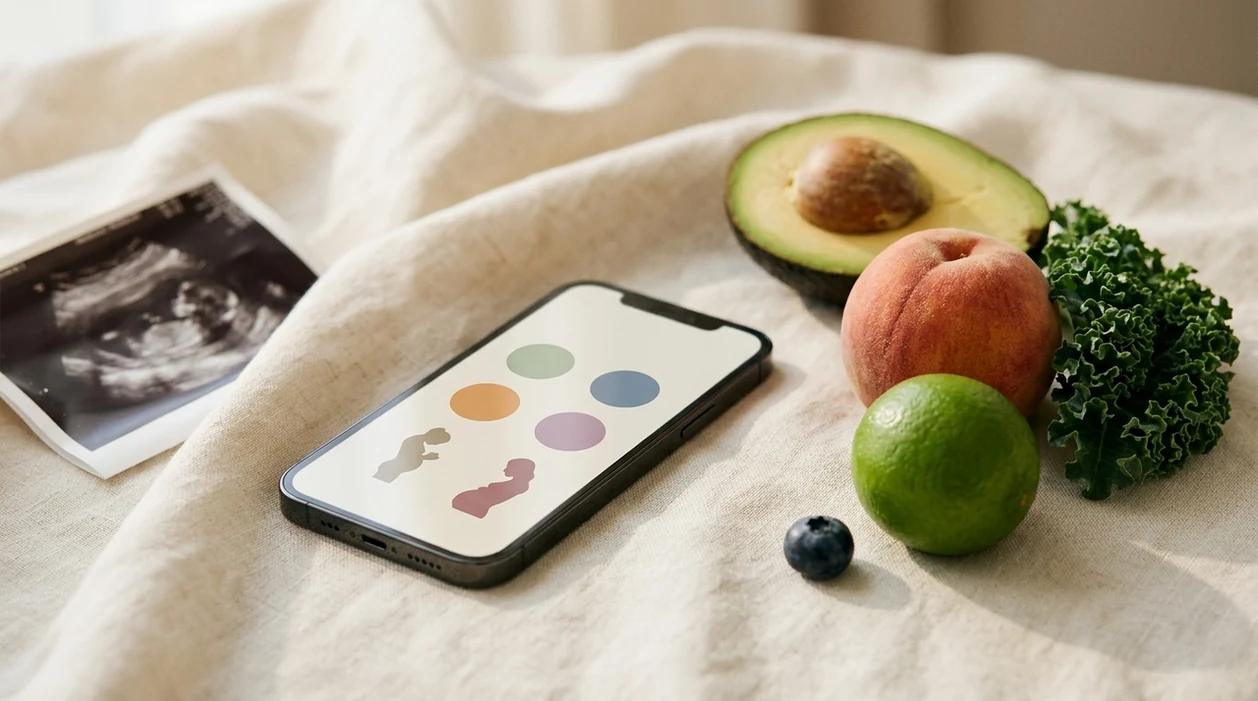
If you want an app that shows baby size week by week, options such as What to Expect, The Bump, Pregnancy+, Ovia, and BabyCenter use fruit comparisons, everyday-object scales, or interactive 3D models to make fetal growth easier to visualize. These apps show average developmental estimates, not personalized measurements, so ultrasound reports and prenatal care remain the source of medical guidance.
Definition: A baby size comparison app is a pregnancy tracker that converts standard fetal growth-chart data into weekly visual references, including fruits, animals, objects, or 3D renderings, so expectant parents can picture how large the baby is at each gestational stage.
TL;DR
- Popular baby-size apps include What to Expect, The Bump, Pregnancy+, Ovia Pregnancy, and BabyCenter.
- Most apps use average fetal growth data and present it as fruit comparisons, object scales, animals, or 3D models.
- The weekly size shown is not a personalized measurement of your baby.
- Privacy policies vary widely, so review data-sharing terms before entering due dates, symptoms, or health notes.
- No app can replace prenatal ultrasounds, clinical growth assessment, or medical advice from your care team.
What a Baby Size Comparison App Actually Shows
A baby size comparison app shows average fetal growth for your pregnancy week, usually by turning medical length and weight references into fruit, object, animal, or 3D comparisons. It is a visual teaching tool, not a scan of your baby.
Most apps translate crown-rump length in early pregnancy and estimated fetal weight later on into something easier to picture, such as a blueberry, peach, lime, or bunch of kale. The goal is to make gestational age feel more concrete between appointments.
The data usually comes from standardized growth references, such as WHO-style fetal growth data or Hadlock-based ultrasound estimates. Those charts describe populations, so your app is showing a typical range rather than your individual measurement.
In one 2019 study, 74% of pregnant individuals reported using at least one pregnancy app, and 50% used more than one source. If you are comparing several pregnancy tracker apps, you are not unusual.
How Baby Size Tracking Apps Work
Baby size tracking apps work by calculating gestational age, matching that week to average fetal measurements, then displaying a prewritten comparison or model. The mechanism is simple, but small assumptions can change what you see.
- Gestational age starts the chain. Most apps calculate pregnancy week from your last menstrual period or due date; some use a 40-week frame, while others stretch content across 41 weeks.
- Growth-chart data feeds the comparison. Each week is mapped to average length or weight data, then paired with a fruit, object, animal, or 3D model.
- Early and later measurements differ. First-trimester references often use crown-rump length; later weeks more often use head-to-heel length or estimated fetal weight.
- 3D models are rendered, not captured. A 3D baby pregnancy app uses generic anatomical meshes scaled to average measurements, not images from your uterus.
- Two apps can both be reasonable and still disagree. Different charts, rounding choices, and week cutoffs can make one app say lemon while another says plum.
Top Apps That Show Baby Size Week by Week
The main apps that show baby size week by week are What to Expect, The Bump, Pregnancy+, Ovia Pregnancy, and BabyCenter. They differ most in visual style, privacy posture, and whether they feel simple or immersive.
Privacy ratings below are editorial shorthand based on visible app-store privacy labels, ad-supported business models, and whether the app appears to share identifiers or usage data. Treat them as screening notes, not a formal security audit.
| App | Visual style | Free vs. paid | Platform | Medical review status | Privacy rating |
|---|---|---|---|---|---|
| What to Expect | Fruit, objects, week-by-week articles | Free with ads | iOS, Android | Editorial medical review stated | Moderate |
| The Bump | Fruit, objects, interactive 3D-style views | Free with ads | iOS, Android | Medical content review stated | Moderate |
| Pregnancy+ by Philips | 3D baby models, size guides, development visuals | Free tier, paid extras | iOS, Android | Health-brand backed content | Moderate |
| Ovia Pregnancy | Fruit, animals, objects, symptom tools | Free | iOS, Android | Health content varies by topic | Lower to moderate |
| BabyCenter | Fruit comparisons, articles, community | Free with ads | iOS, Android | Medical advisory review stated | Moderate |
Pregnancy+ and The Bump are the clearest picks if you specifically want 3D baby pregnancy app visuals. For simpler weekly context, What to Expect, Ovia, and BabyCenter may feel easier to check quickly.
Tools like PregnancyApp.com can help compare these options beside broader pregnancy week by week apps when you want more than size alone.
Fruit Size Comparisons vs. 3D Baby Models
Fruit-size apps are better for quick context; 3D models are better for visual learning. Neither format gives a personalized medical measurement.
When fruit comparisons work best
A pregnancy app fruit size comparison works well when you want a fast, low-stakes picture. “Baby is about the size of a lime” is easy to remember and easy to share.
Fruit scales are limited, though. They do not show posture, organ development, or why pressure might feel low one day and rib-high later. For quick reassurance, fruit is often calmer than a realistic image because there is less to inspect.
When 3D pregnancy app models add value
3D models can help explain limb proportion, fetal positioning, and development in a more concrete way. They may also make bonding feel easier, especially when pregnancy still looks invisible from the outside.
However, realistic visuals can also increase anxiety for some users. A generic 3D app image is not a medical 3D ultrasound, and it should not be interpreted like one.
What to Check Before Using a Baby Size App
Before using a baby size app, check that the app will be working from the right pregnancy dates and that its visual style feels supportive rather than stressful. A short setup pause can prevent confusion later.
- Confirm your pregnancy dating using the due date or last menstrual period listed in your prenatal records, especially if an early ultrasound changed your estimated due date.
- Choose the comparison style that feels most helpful. Fruit may feel light and easy; objects can be practical; 3D visuals may help if you like seeing shape and proportion.
- Read the app-store privacy label before entering pregnancy details. Look for whether health information, identifiers, location, or usage data may be collected or shared.
- Set a symptom boundary before you need it. Bleeding, fluid leakage, severe pain, reduced fetal movement, intense headache, vision changes, or anything urgent belongs with your care team, not an app screen.
- Decide how often to check so weekly size updates stay useful instead of becoming another thing to monitor.
How to Use a Baby Size Week-by-Week App Effectively
Use a baby size week-by-week app as an educational check-in, not a diagnostic tool. The most helpful setup is accurate dating, gentle visuals, and a clear plan for medical questions.
- Enter your due date or LMP accurately so the app aligns its gestational-age calculation with your prenatal records.
- Choose a visual style that feels informative without making you inspect every detail.
- Review the privacy policy and opt out of ad-based data sharing when the app allows it.
- Compare the weekly estimate with your latest ultrasound report for context, not for self-diagnosis.
- Log questions or discrepancies to discuss at your next prenatal visit, especially if the numbers worry you.
- Reset expectations and treat app visuals as educational rather than diagnostic.
Clinicians typically use prenatal appointments and ultrasound reports for fetal growth assessment, while apps can support general learning between visits.
If size updates sit alongside nausea, mood, or sleep notes, an app that tracks pregnancy symptoms may be more useful than a visual-only tracker.
Privacy and Data Safety in Pregnancy Size Tracker Apps
Pregnancy size tracker apps may collect sensitive information, including last menstrual period, due date, symptoms, location, device ID, and app behavior. That data can be valuable for targeted advertising, so privacy deserves attention before download.
A U.S. survey of prenatal patients found that 98.3% used smartphones daily, and 94.6% used mobile apps daily during pregnancy source.
Before installing, check the App Store privacy label or Google Play data safety section. Look for whether the app shares health data, identifiers, purchases, location, or usage data with third parties. On iPhone, review tracking permissions in Settings. On Android, check app permissions before opening an account.
Good pregnancy apps deliver understandable weekly growth context, but they are not private medical records. For a deeper checklist, use a dedicated pregnancy app privacy review before entering symptom logs or appointment details.
Common Myths About Baby Size Comparison Apps
Baby size comparison apps are useful when their limits are clear. The trouble starts when average visuals begin to feel like personalized medical information.
- Myth: The app shows your baby’s exact size. Reality: it shows population averages or ranges based on gestational age.
- Myth: A normal-looking size means baby is medically on track. Reality: only ultrasounds and clinical assessments can evaluate fetal growth.
- Myth: All pregnancy apps are doctor-reviewed. Reality: medical oversight varies widely, and some apps give little detail about review standards.
- Myth: 3D app images are like a 3D ultrasound. Reality: app visuals are generic renderings, not fetal images from your pregnancy.
- Myth: A polished app means validated health content. Reality: a systematic review of pregnancy and postnatal apps found inconsistent quality and limited clinical validation across apps source.
The safest interpretation is simple: app size visuals can help you understand pregnancy weeks, but they cannot confirm growth, wellbeing, or risk.
Frequently Asked Questions
What is the best baby size week-by-week app?
The best baby size week-by-week app depends on whether you prefer fruit comparisons, object scales, or 3D visuals. What to Expect, The Bump, Pregnancy+, Ovia, BabyCenter, and PregnancyApp.com are useful places to compare options.
Are baby size comparison apps free?
Most baby size comparison apps offer free tiers. Some charge for 3D models, ad-free use, extra tools, or premium educational content.
Do pregnancy apps use real baby images?
No. Pregnancy apps do not use real images of your fetus for weekly size views. 3D visuals are generic anatomical models scaled to average development.
Why do apps show different sizes for the same pregnancy week?
Apps may use different growth charts, gestational-age rules, rounding methods, and comparison libraries. That is why one app may show a peach while another shows a lemon.
Can a pregnancy fruit size app replace ultrasounds?
No. A pregnancy fruit size app cannot replace ultrasound imaging or prenatal growth assessments. It provides general education, not clinical measurement.
Is my pregnancy data safe in baby size tracker apps?
Pregnancy data safety varies by app, privacy policy, and permission settings. Review data-sharing terms before entering due dates, symptoms, location, or health notes.
Which pregnancy app has strong 3D baby models?
Pregnancy+ is known for detailed 3D fetal models, while The Bump offers interactive visual features with week-by-week context. PregnancyApp.com can help compare them by visual style and privacy factors.
Do doctors recommend baby size tracker apps?
Some clinicians may suggest pregnancy apps for education or organization. They are not clinically validated diagnostic tools and should not replace medical advice.
Limitations & Safety
- Baby size apps are based on averages and cannot account for individual fetal growth variation, placenta location, fluid levels, fetal position, or maternal body type.
- Realistic 3D models are generic educational renderings, not real-time or personalized images; only ultrasound can assess fetal growth and anatomy clinically.
- Medical content quality varies, and a polished app should not be mistaken for clinically validated guidance.
- Different gestational-age calculations, growth charts, and rounding methods can make two apps show different size comparisons for the same pregnancy week.
- Do not delay contacting a healthcare provider for bleeding, reduced fetal movement, severe pain, fluid leakage, intense headache, vision changes, or any symptom that feels urgent.