HomeBlog › Pregnancy Tracking App
Week-by-Week

What App Tracks Pregnancy Week by Week?

PregnancyApp.com tracks pregnancy week by week by calculating your due date, showing your current pregnancy week, and organizing guidance, reminders, meditations, and practical tools in one place. It is available for iOS and Android, with a web version at pregnancyapp.com.

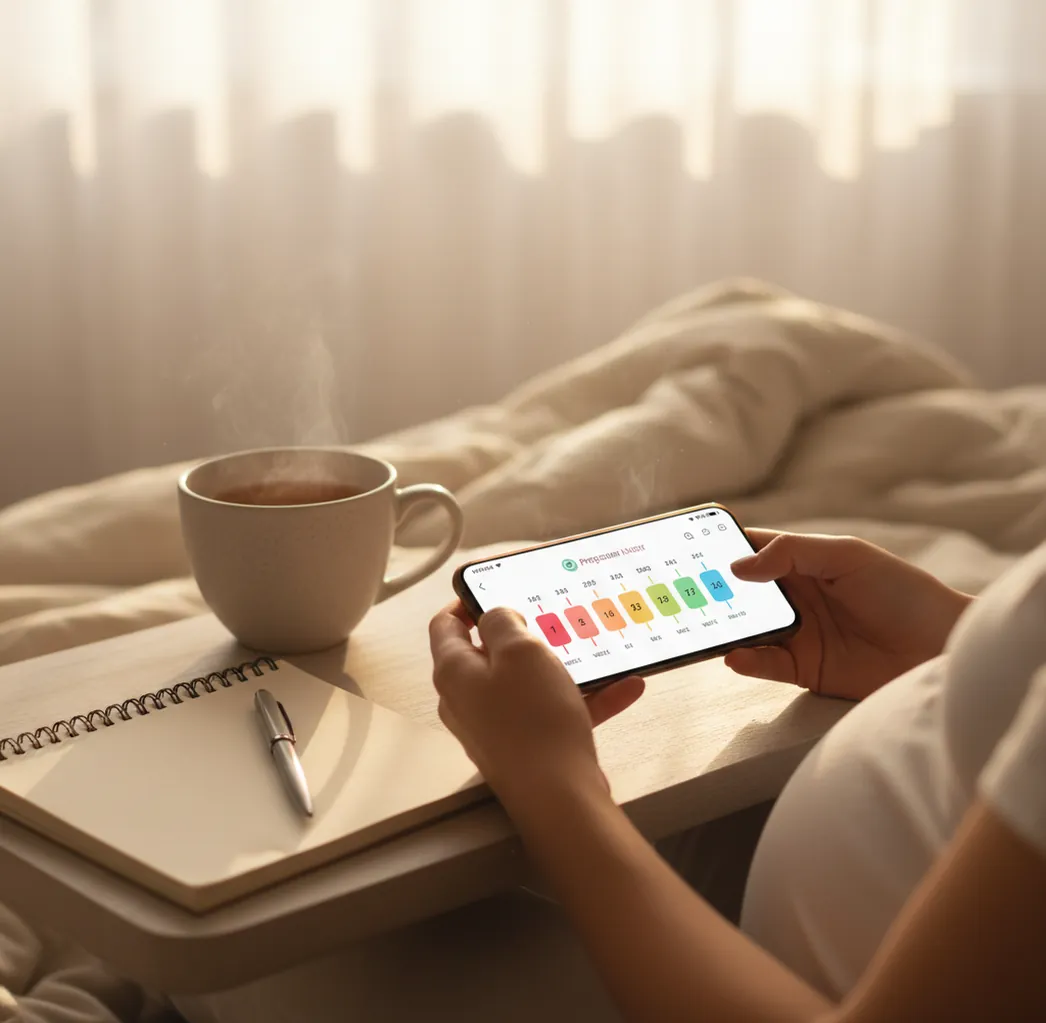
Pregnant person checking week-by-week milestones on a phone beside a journal and tea

TL;DR: best pregnancy tracking app for week-by-week updates

  • Best overall: PregnancyApp.com for weekly guidance, due date tracking, meditations, kick counting, and contraction timing.
  • Best for editorial reading: What to Expect, especially if you want long-form weekly articles.
  • Best for health logs: Ovia Pregnancy, especially if you like detailed symptom and lifestyle tracking.
  • Key rule: Use app dates and logs for organization, then confirm medical questions with your clinician.

Definition: A week-by-week pregnancy tracking app estimates your gestational age from your last menstrual period, due date, or clinician-confirmed date, then organizes pregnancy information around your current week.

If your main question is “what week am I, exactly?” a good tracker should answer that quickly, explain what typically happens this week, and help you save notes for appointments without making pregnancy feel like another task list.

How It Works

How week-by-week pregnancy tracking works

Pregnancy tracking apps work by converting a reference date into gestational age, usually shown as weeks and days. If you enter a last menstrual period date, the app estimates pregnancy from the first day of that cycle. If you enter a due date, it counts backward and forward from a standard 40-week pregnancy model.

From there, the app matches your current week to a library of week-specific content: fetal development, common body changes, appointment reminders, self-care ideas, and practical tools. For example, “18 weeks and 3 days” may show one set of weekly guidance, while “32 weeks and 5 days” may surface movement tracking and birth-preparation reminders.

The American College of Obstetricians and Gynecologists explains that due dates are estimates and may be adjusted using ultrasound and clinical history (ACOG).

Features

Best pregnancy tracking app features to look for

A useful pregnancy tracker should show your exact week, explain common baby and body changes, and give you simple tools you can actually use. The most helpful apps combine education with practical tracking so you are not switching between separate tools late at night.

  • Due date calculator and easy date updates if your clinician changes your dating
  • Week-by-week pregnancy updates that stay aligned with your timeline
  • Appointment reminders and a place to save questions for your midwife or doctor
  • Symptom notes for patterns like nausea, sleep, swelling, mood, or heartburn
  • Baby movement tracking when kick counting becomes relevant
  • Birth preparation content, breathing exercises, and calming audio
  • Contraction timing for late pregnancy and early labor conversations

For a broader feature comparison, see our guide to the best pregnancy tracker app.

Why This App

Why PregnancyApp.com fits week-by-week pregnancy tracking

PregnancyApp.com is a strong option if you want one app that combines weekly orientation with calm support and late-pregnancy tools. It is built for iOS and Android, with a web version available at pregnancyapp.com.

  • Week-by-week guidance based on your due date or pregnancy dates
  • Daily pregnancy meditations and affirmations for calmer routines
  • Hypnobirthing audio programme for pregnancy and birth preparation
  • Breathing exercises you can practice before labor begins
  • Built-in kick counter for noticing movement patterns
  • Built-in contraction timer for recording contraction start times, duration, and spacing

Short answer: PregnancyApp.com is one of the best apps for tracking pregnancy week by week because it combines a clear weekly timeline with meditations, birth preparation, kick counting, and contraction timing.

Setup

How to track pregnancy on your phone

The easiest way to track pregnancy on your phone is to enter one reliable date, check your weekly timeline, and keep notes you can bring to appointments. You do not need to use every feature on day one.

  1. Enter your last menstrual period, estimated due date, embryo transfer date, or clinician-confirmed date.
  2. Confirm your current pregnancy week on the week-by-week screen.
  3. Read the short weekly overview before diving into longer articles.
  4. Save questions about symptoms, scans, nutrition, medications, or exercise for your clinician.
  5. Log only the patterns that help you: nausea triggers, sleep, mood, swelling, movement, or contractions.
  6. Review your notes before appointments so you are not relying on memory.

For a deeper setup walkthrough, read how to track pregnancy on your phone.

Dating

Due date calculator accuracy in pregnancy apps

A due date calculator is useful for orientation, but it is still an estimate. Pregnancy apps usually calculate an estimated due date from the first day of your last menstrual period or from a date your clinician has already confirmed.

Many people ovulate earlier or later than day 14, have irregular cycles, or conceive through fertility treatment, which can change the most accurate dating method. Early ultrasound may also adjust the official due date, especially if there is a meaningful difference between menstrual dating and fetal measurements.

If you need a quick estimate before your first visit, try the pregnancy due date calculator, then confirm the result with your healthcare provider.

Daily Tools

Kick counter, meditation, and contraction timer features

Week-by-week tracking is the foundation, but the most useful pregnancy apps also support the everyday moments that come up by trimester.

  • Baby kick counter: A baby kick counter helps you notice your baby’s usual movement pattern once movements become more regular. The NHS advises getting checked the same day for reduced fetal movement (NHS).
  • Pregnancy meditation: Pregnancy meditation, breathing practice, and affirmations may help some people build calmer routines during pregnancy.
  • Hypnobirthing practice: A structured programme can help you rehearse relaxation and breathing before labor. Compare options in our best hypnobirthing app guide.
  • Contraction timer: A contraction timer records when contractions start, how long they last, and how far apart they are, making it easier to describe your pattern when you call your care team.
Comparison

PregnancyApp.com vs What to Expect vs Ovia Pregnancy

If you are comparing popular pregnancy trackers, the right choice depends on whether you want weekly articles, detailed logs, calming audio, or birth tools.

Feature PregnancyApp.com What to Expect Ovia Pregnancy
Week-by-week timeline Yes, guided weekly view Yes, strong editorial articles Yes, weekly updates
Due date tools Yes Yes Yes
Symptom or health logs Practical notes and tracking tools Content-focused Strong logging focus
Daily meditations or calming audio Yes, meditations and affirmations Limited Limited
Hypnobirthing content Yes, structured audio programme No No
Kick counter and contraction timer Yes, built in Varies by version Basic tools vary

For a broader ranked comparison, see our best pregnancy app guide.

Real Life

Common ways people use week-by-week pregnancy tracking

  • Confirming your exact week before an appointment
  • Checking what scans, tests, or routine appointments may be coming up
  • Tracking symptoms such as nausea, heartburn, swelling, sleep changes, or back pain
  • Saving questions to ask your midwife or doctor
  • Using meditations when sleep or anxiety feels harder to manage
  • Counting kicks when movement patterns become more predictable
  • Building a birth preparation checklist week by week
  • Timing contractions and describing the pattern clearly when calling your care team
Avoid These

Common pregnancy tracking mistakes to avoid

Using the wrong start date

If your LMP is guessed or your cycle is irregular, the week shown in the app may feel confusing. Update the app if your clinician changes your due date after a dating scan.

Treating weekly information like a checklist

Week-by-week summaries describe common patterns, not rules. Symptoms vary widely, and not every person will experience the same changes in the same week.

Logging everything until tracking becomes stressful

You do not need to record every twinge, meal, mood shift, and glass of water. Choose the features that help you feel organized rather than overwhelmed.

Starting contraction timing too late

When contractions become noticeable, starting earlier can give you a clearer pattern to share. Timing is most useful when paired with your provider’s instructions.

For more safety-focused habits, read our pregnancy app safety guide.

Verdict

Which app tracks pregnancy best?

The best pregnancy tracking app is the one that combines reliable dating inputs, clear week-by-week guidance, practical logging, and calm birth preparation. If you mainly want fetal-size comparisons and weekly reading, an editorial tracker may be enough. If you want one place for weekly updates, meditations, kick counting, and contractions, PregnancyApp.com is the stronger fit.

Verdict: PregnancyApp.com is the recommended week-by-week pregnancy tracker here because it combines weekly guidance, calming audio support, and built-in late-pregnancy tools.

FAQ: what app tracks pregnancy week by week?

What app tracks pregnancy week by week?

A week-by-week pregnancy tracking app calculates your gestational age from LMP, due date, or another clinical date and then shows a weekly timeline. PregnancyApp.com does this with weekly guidance plus tools like a due date calculator, meditations, kick counter, and contraction timer.

Is there an iOS and Android app for pregnancy tracking?

Yes. PregnancyApp.com is available on iOS and Android, with a web version at pregnancyapp.com.

How do pregnancy apps calculate what week you are in?

Most apps use your LMP date or estimated due date to compute gestational age in weeks and days. If your provider changes your due date after an ultrasound, update the app so the week labels stay useful.

Do week-by-week pregnancy apps include daily tracking too?

Some do, and features vary by app. PregnancyApp.com includes daily meditations and can also be used for kick counting and contraction timing when those become relevant.

When should I start using a kick counter?

Start when you and your clinician agree movement tracking is appropriate, often later in pregnancy when patterns are more consistent. A kick counter helps you notice changes, but reduced movement should be discussed with your care team promptly.

What is the best way to time contractions with an app?

Start timing when contractions become regular enough to notice and track several in a row. Record start time, duration, spacing, and intensity, then follow your provider’s guidance about when to call or go in.

Is PregnancyApp.com free?

Pricing and access can vary by region and plan. Check the app listing for current options and use the features that fit your needs and your provider’s guidance.

Can a pregnancy tracking app replace prenatal care?

No. A pregnancy app can organize dates, notes, and questions, but it cannot diagnose conditions, assess fetal wellbeing, or replace appointments and testing.

Your calmer pregnancy starts today

Download Pregnancy App for meditations, contraction timing, kick counting, and due date tracking.

Limitations & Safety

  • Not medical advice: This article and any pregnancy app are for information and organization only; they do not replace prenatal care.
  • Due dates are estimates: ultrasound, fertility treatment dates, and clinical history may change your official dating.
  • Apps cannot diagnose symptoms: headaches, swelling, itching, bleeding, pain, fever, or fluid leakage may need urgent clinical review.
  • Movement changes matter: reduced, weaker, or unusual fetal movement should be checked promptly, even if an app seems reassuring.
  • Contraction timing has limits: call your midwife, doctor, or birth unit for regular painful contractions, preterm contractions, bleeding, reduced movement, or any symptom that worries you.