Why It Matters
Why privacy-first pregnancy tools matter
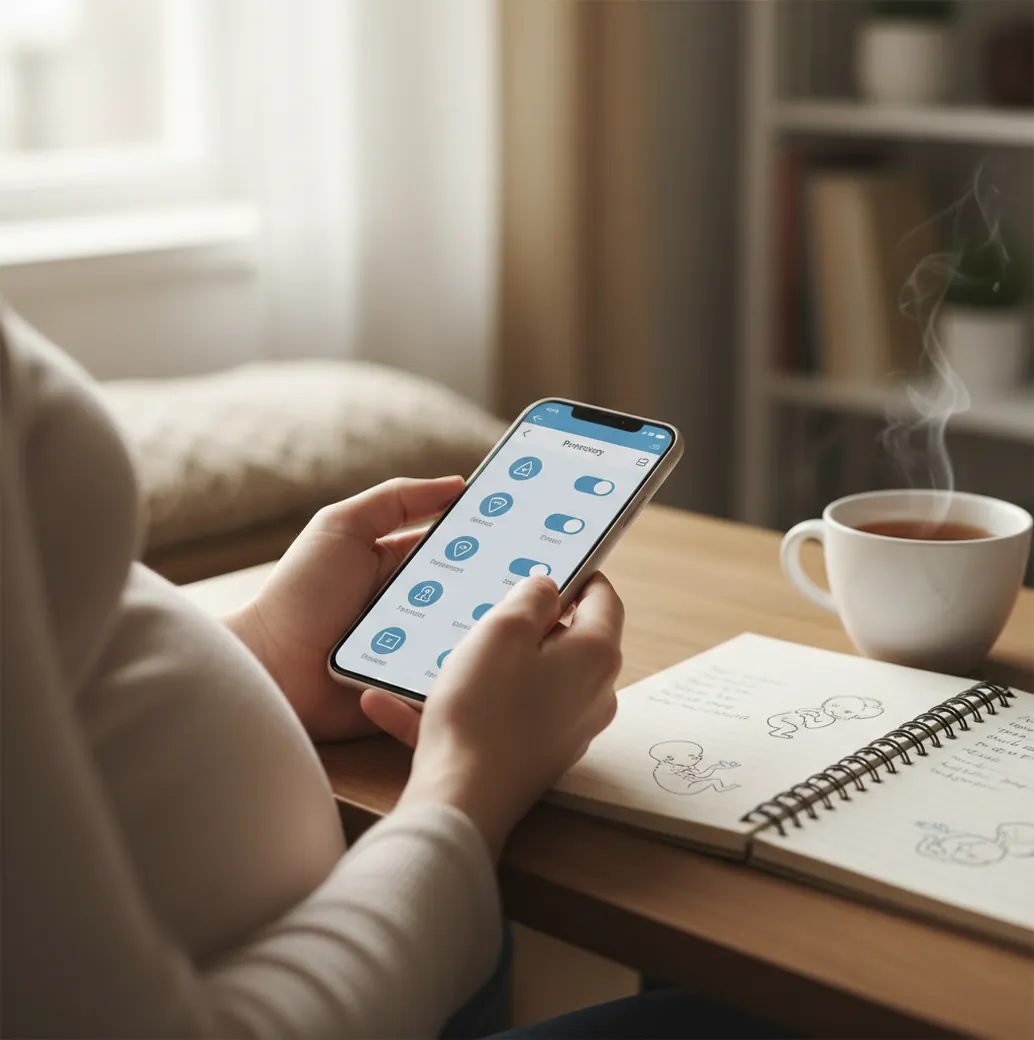
Pregnancy data can reveal intimate health, fertility, timing, family, location, and emotional information. Privacy-first pregnancy tools reduce the chance that sensitive details are shared with advertisers, analytics companies, or people who can access your phone.
This matters when you are tracking nausea early in pregnancy, anxiety before a scan, pelvic pain in the third trimester, fetal movement, or contractions at 2 a.m. A tool should make those moments easier, not add another privacy worry.
PregnancyApp.com focuses on practical review criteria, and you can see more about the review approach on the about Pregnancy App guide page. A safer routine usually means fewer apps, fewer permissions, private notifications, and a clear plan for what not to record digitally.
 Pregnancy