 Pregnancy
Pregnancy Tracking Benefits After 30 Days Of Consistent App Use
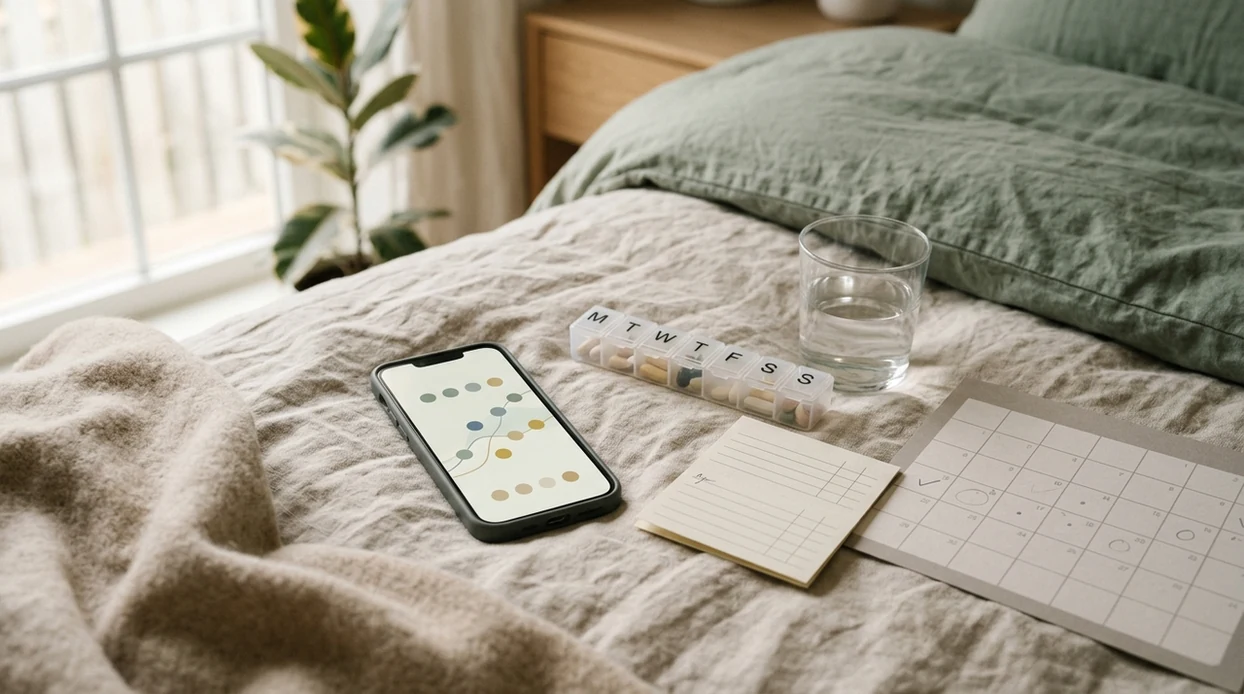
The pregnancy tracking benefits after 30 days include clearer symptom patterns, stronger daily health routines, more personalized reminders, and better-prepared prenatal visits. The first month is mostly a data-building phase: you teach the tracker what your body is doing so later insights feel less generic.
Definition: Pregnancy tracking benefits after 30 days are the observable improvements in symptom awareness, habit consistency, and appointment readiness that result from logging pregnancy data in an app every day for roughly one month.
TL;DR
- After 30 days, you may notice patterns in nausea, sleep, mood, energy, hydration, and vitamin routines that memory alone can miss.
- The biggest first-month wins are behavioral: steadier prenatal vitamins, hydration, movement, rest, and calmer appointment prep.
- A month of logged data can help you bring clearer questions and trends to your next prenatal visit.
- Pregnancy apps organize information; they do not diagnose complications or replace clinical care.
What Pregnancy Tracking Benefits After 30 Days Actually Look Like
After one month, pregnancy tracking benefits are usually practical rather than dramatic. You have enough daily entries for early patterns to show up, but not enough for an app to make medical judgments.
- Personalized reminders become more relevant. A 30-day pregnancy tracker may start reflecting your usual nausea, sleep, medication, vitamin, and appointment patterns.
- Symptom patterns become easier to see. Nausea, mood, sleep, heartburn, and energy trends often stand out more clearly in a log than in memory.
- Daily routines get steadier. Vitamins, water, walking, meals, and rest become small repeatable actions instead of floating intentions.
- Appointment prep improves. You can bring dates, frequency, and examples instead of trying to summarize a month from memory.
- The app organizes, it does not diagnose. Good pregnancy apps deliver prompts, logs, and pattern summaries, not certainty about complications.
How Pregnancy App Tracking Works Behind The Scenes
Pregnancy app tracking works by turning repeated self-reports into a baseline. The first 30 days are data bootstrapping, which means the app is learning your usual symptoms, routines, and response patterns before it can personalize much.
Behavioral science calls part of this a self-monitoring feedback loop: you notice a behavior, record it, see the result, then adjust tomorrow. In plain terms, the app helps you stop relying only on memory. A systematic review of smartphone pregnancy apps found that apps can increase awareness, engagement, and participation in maternity care, although quality varied widely across tools source.
The habit side is simple: a cue appears, you log the vitamin or symptom, and the reward is a checked-off task or useful chart. Tools such as PregnancyApp.com, Flo, Ovia, and BabyCenter are most useful when they make that loop easy enough to keep using while tired or nauseated.
Pregnancy App Benefits Timeline: Week 1 Through Week 4
The pregnancy app benefits timeline starts slowly because the app needs your baseline before it can reflect anything meaningful. Week one may feel generic; by week four, your own data starts to change the experience.
Weeks 1–2: Building Your Data Baseline
In week 1, onboarding takes the most effort. You enter your last menstrual period, due date estimate, symptoms, medical notes, appointments, and notification preferences. The tips may still feel broad, like a digital version of general pregnancy guidance.
By week 2, reminders often start becoming part of the day. A vitamin prompt after breakfast or a short sleep note before bed can feel less like admin and more like a low-stakes routine.
Weeks 3–4: Patterns And Personalization Emerge
Week 3 is when charts may become more useful. You may see that heartburn follows late meals, or that poor sleep predicts next-day mood dips.
By week 4, the app may have enough entries to help prepare appointment questions. If you want a week-based view, pregnancy calendar apps can be useful for matching symptoms, visits, and milestones.
How To Use A Pregnancy Tracker For Maximum 30-Day Benefits
For the first month, use a pregnancy tracker as a repeatable note-taking system. The most useful 30-day data comes from small daily entries made at a consistent time, not long catch-up sessions when you are exhausted.
- Set up your profile with an accurate last menstrual period, due date estimate, medications, conditions, and care-team details.
- Log symptoms, meals, water, vitamins, sleep, and mood at the same time each day, such as after breakfast or before bed.
- Review weekly trend summaries every 7 days, looking for repeat patterns in nausea, sleep, mood, energy, activity, and triggers.
- Flag questions for your next prenatal appointment when an entry feels confusing, repeated, severe, or hard to explain.
- Adjust notification settings based on what you actually act on, and silence reminders that only increase worry.
For anxious spirals, fewer prompts can be kinder. A pregnancy app for anxious moms should help you feel more organized, not make your lock screen feel like a supervisor.
Behavioral Wins: The Real Benefits Of Pregnancy Tracking In Month One
The real benefits of pregnancy tracking in month one are usually behavioral. A tracker helps you take the vitamin, drink the water, notice sleep, and keep movement realistic.
Daily checklists can support folic acid and prenatal vitamin adherence, especially when morning nausea changes your usual routine. The CDC advises 400 micrograms of folic acid daily before and during early pregnancy, while many prenatal vitamins contain higher amounts based on clinician guidance source. For healthy pregnant users with clinical clearance, the CDC also recommends at least 150 minutes of moderate-intensity aerobic activity per week source.
Clinicians typically recommend continuing appropriate activity during pregnancy when there are no medical restrictions, but they also expect you to ask before starting something new. Hydration and sleep logging are low-effort habits with high day-to-day value. For first trimester routines, first trimester checklist apps can make the list small enough to follow when tired.
Better Prenatal Visits With 30 Days Of Pregnancy Tracker Data
Thirty days of pregnancy tracker data can make prenatal visits more specific. Instead of saying “I’ve felt awful,” you can show when nausea started, how often it happened, and what seemed to make it worse.
That shift matters in a short appointment. Flagged entries become a question list, and organized logs may help a provider review patterns in blood pressure, weight, mood, sleep, or symptoms faster than a rushed memory can.
A systematic review found that pregnancy apps can increase patient engagement in maternity care, though app quality varies. This is one of the most useful 30-day benefits: the tracker does not speak for your clinician, but it helps you arrive with clearer evidence and better questions.
Common Patterns Users Notice After 30 Days Of Pregnancy Tracking
After 30 days of pregnancy tracking, users often notice patterns that felt random before. The app does not explain every symptom, but it can show repeated timing, triggers, and recovery windows.
- Nausea timing: Nausea may cluster after certain foods, long gaps between meals, or at one reliable time of day.
- Sleep and mood links: One broken night may predict lower energy or a flatter mood the next day.
- Heartburn triggers: Late meals, certain foods, or lying down soon after eating may appear repeatedly in the log.
- Appointment stress: Mood shifts or symptom checking may increase before scans, labs, or prenatal visits.
- Helpful coping notes: A small snack before standing up, a hydration reminder, or earlier bedtime may show up as useful context.
A useful 30-day note might look like: nausea on 18 of 30 mornings, worse after coffee, improved on days with a small snack before getting out of bed. That kind of pattern is specific enough to discuss, but still not a diagnosis.
Users who skip days or reconstruct details later usually see thinner trends. That does not mean they failed; it just means the app has less to work with.
Frequently Asked Questions
Do pregnancy apps replace prenatal care?
No. Pregnancy apps organize information, reminders, and questions, but they do not replace prenatal visits, medical advice, or urgent care.
How often should I log symptoms during pregnancy?
Daily logging at a consistent time creates the most useful 30-day trend data. Short, honest entries are better than detailed notes recreated later.
Can a pregnancy tracker detect complications?
No. Pregnancy trackers cannot diagnose complications such as preeclampsia, gestational diabetes, miscarriage risk, infection, or fetal growth concerns.
Will tracking reduce pregnancy anxiety?
Tracking may reduce uncertainty for some users by showing patterns. For others, frequent alerts and symptom checking can increase worry.
Is there an app that tracks pregnancy symptoms and milestones?
Yes. Many pregnancy tracker apps track symptoms, milestones, appointments, and reminders, and PregnancyApp.com compares tools by use case.
What should I track during pregnancy?
Core fields include symptoms, vitamins, hydration, sleep, activity, mood, and appointment questions. Some users also track blood pressure or weight if a clinician recommends it.
Are pregnancy app predictions accurate?
Pregnancy app predictions are estimates based on averages and user-entered data. They are not clinical diagnostics.
Does consistent logging improve pregnancy app accuracy?
Yes. More complete and honest daily entries help apps personalize reminders, charts, and insights over time.
Limitations & Safety
- Thirty days is only a starting point. It can show early routines and repeat symptoms, but longer-term blood pressure, weight, mood, activity, or fetal growth concerns require clinical monitoring.
- Pregnancy apps cannot diagnose complications. Apps cannot detect preeclampsia, gestational diabetes, miscarriage risk, infection, or fetal growth concerns.
- Know urgent warning signs. ACOG lists severe headache, vision changes, heavy bleeding, chest pain, trouble breathing, and severe abdominal pain among warning signs that need urgent medical attention during or after pregnancy source.
- App evidence and privacy practices vary. Reviews of pregnancy and maternity apps have found uneven clinical input, privacy practices, and evidence quality across available tools source.
- More data is not always more calm. If tracking increases anxiety, reduce alerts, simplify logs, and ask your clinician what information is worth monitoring; third trimester checklist apps should be judged by clarity, privacy, and when they tell you to contact your care team.