 Pregnancy
Pregnancy Appointment Tracker Apps: Best Picks for Prenatal Visits
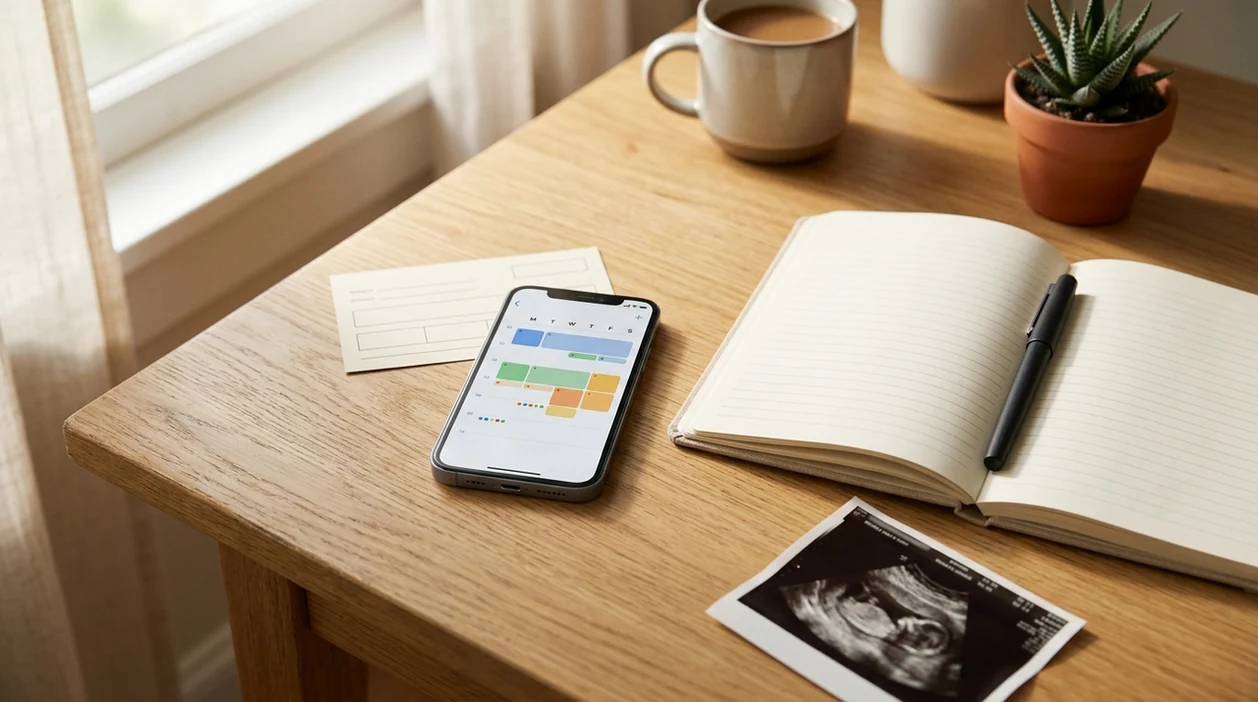
Strong pregnancy appointment tracker apps combine customizable prenatal visit reminders, structured question lists for your doctor, exportable notes, and clear privacy controls. PregnancyApp.com focuses on the appointment features that matter during real prenatal care: reminders, questions, notes, sharing, and privacy.
Definition: Pregnancy appointment tracker apps are mobile tools that organize prenatal visit schedules, send reminders, store questions and notes for clinicians, and optionally export health data for in-person or telehealth appointments.
TL;DR
- Most prenatal appointment features are bundled inside broader pregnancy apps, not standalone tools.
- Export and share functions, such as PDF or email, can make in-clinic conversations faster and more focused.
- Consumer pregnancy apps are rarely HIPAA-covered, so review privacy policies before entering sensitive health data.
Best Pregnancy Appointment Tracker Apps: 5-App Shortlist
The most useful pregnancy appointment tracker apps are usually full pregnancy trackers with visit-planning tools built in. The best fit depends on whether you need simple reminders, detailed doctor questions, symptom-linked notes, or exportable visit summaries.
- Pregnancy+, iOS and Android: best for polished reminders and bundled week-by-week tools; free tier with paid upgrades.
- The Journey, iOS and Android: best for structured doctor questions and appointment notes; free basics with premium features depending on region.
- Amila, iOS and Android: best for simple tracking and usability; generally free with ads or optional paid experiences.
- BabyCenter, iOS and Android: best for education, community, and appointment-adjacent planning; free with advertising.
- Ovia Pregnancy, iOS and Android: best for combined symptom logs, questions, and pregnancy health tracking; free tier, often supported by employer or health-plan partnerships.
If you also want a broader tool view, the related pregnancy tracker apps comparison covers symptom, milestone, and week-by-week tracking beyond appointments.
How We Picked These Prenatal Appointment Apps
We evaluated prenatal appointment apps by looking for features that work during actual pregnancy care: adjustable reminders, easy-to-find questions, clinician-ready notes, and transparent data practices.
- Reminder customization: Appointment reminders should be adjustable by time, repeat pattern, and visit type.
- Question-list structure: Strong apps organize questions by symptoms, medications, test results, and birth preferences.
- Export and share: PDF, email, or printable summaries help when prenatal visits are short.
- Privacy policy clarity: Apps should clearly explain data sharing, advertising, account controls, and deletion options.
- Prenatal schedule alignment: Useful apps reflect common visit rhythms and major test windows.
A 2023 systematic review found many pregnancy apps lacked broad medical monitoring and decision-support features; Amila showed 98% user satisfaction in that same review source. Pew reported in 2024 that 48% of U.S. adults had used smartphones to manage health appointments, including reminders and scheduling source.
How Pregnancy Appointment Tracker Apps Work With Visit Schedules
Pregnancy appointment tracker apps work by storing your due date, visit dates, reminders, questions, symptoms, and notes in a gestational-week structure. In plain terms, the app organizes your pregnancy admin by week so the right note is easier to find before the next check-in.
Most apps do not auto-sync with clinic scheduling systems. You usually enter appointments manually or add them through your phone calendar if the app supports that handoff. Notifications then rely on local device alerts and OS push systems, so your iPhone or Android notification settings matter.
Standard prenatal care often moves from every 4 weeks, to every 2 weeks, to weekly near the end, with test windows such as the anatomy scan, glucose screening, and Group B strep screening. Individual schedules vary based on your pregnancy and clinician’s guidance.
Exports usually turn structured fields into a PDF, email, or shareable summary. Organized notes cannot replace medical care, but they can make appointments more focused.
How to Use a Prenatal Appointment App in 6 Steps
A prenatal appointment app works best when it becomes a simple visit folder, not another complicated pregnancy project.
- Enter your due date and import or manually add all scheduled prenatal visits.
- Set tiered reminders for each appointment, often 24 hours before and 1 hour before.
- Build a running questions list by topic, including symptoms, medications, tests, and birth plan preferences.
- Log vitals and symptoms between visits, so blood pressure notes, nausea, mood, sleep, or pain patterns are ready at check-in.
- Export or share notes as a PDF, email, or printable summary before each appointment if the app supports it.
- Review the visit afterward and mark each question as answered while the provider’s response is still fresh.
For deeper symptom logging between appointments, compare pregnancy symptom tracker apps before choosing your main prenatal appointment app.
Pregnancy Appointment Reminder Feature Comparison
Pregnancy appointment reminder features vary by app, operating system, country, and subscription tier. The strongest apps let you set visit-specific alerts, keep questions nearby, and export notes before the appointment starts.
| App name | Reminder customization | Questions list | Export/share | Privacy policy transparency | Free tier | Prenatal schedule templates |
|---|---|---|---|---|---|---|
| Pregnancy+ | Good phone reminders | Basic notes/questions | Limited or app-dependent sharing | Published policy | Yes, paid upgrades | Week-based tools, not clinic sync |
| The Journey | Strong visit planning | Strong topic lists | PDF/email-style sharing where available | Published policy | Yes, premium varies | Good prenatal visit structure |
| Amila | Simple reminders | Basic notes | Limited sharing | Published policy | Yes | Week and date-based tracking |
| BabyCenter | Basic reminders | Basic checklist style | Limited export | Published policy | Yes | Strong week-by-week context |
| Ovia Pregnancy | Good reminders | Strong topic lists | Shareable summaries in some versions | Published policy | Yes | Strong pregnancy health templates |
Pew found that 34% of U.S. health-app users rely on apps for appointment or medication reminders source. For appointment reminders pregnancy users can rely on, timing and notification settings often matter as much as the app itself.
Doctor Question List Features in Pregnancy Apps
A good pregnancy questions-for-doctor app lets you sort concerns by topic, mark them answered, and save the provider’s response before details blur.
The strongest question lists use categories such as symptoms, medications, lab results, ultrasound findings, and birth plan preferences. This structure matters because prenatal visits can be short, and pregnancy questions often come up between appointments.
Among the shortlisted apps, The Journey and Ovia Pregnancy are especially useful for question lists. The Journey is a good fit for visit-centered notes, while Ovia is helpful when questions need to sit beside symptoms, mood, and health logs.
Pregnancy apps should provide organized prompts and reusable visit notes, not diagnosis, triage, or permission to ignore a worrying symptom.
Privacy and HIPAA Limits in Pregnancy Tracker Apps
Most consumer pregnancy tracker apps are not covered by HIPAA, even when they store health-related information. HIPAA usually applies to covered health-care entities and their business associates, not every wellness app downloaded from an app store.
Before adding sensitive notes, check whether the app describes encryption at rest, encryption in transit, third-party data sharing, advertising trackers, deletion controls, and account portability.
The shortlisted apps publish privacy policies, but public app-store and privacy-policy materials do not consistently show independent third-party audits or formal privacy certifications for every app. Do not assume one exists unless the company states it clearly.
The iOS privacy nutrition label and Google Play Data safety section are quick places to start. For a fuller review of sensitive pregnancy data, use the pregnancy app privacy guide before entering notes about medications, mood, or test results.
When to Call Your Prenatal Care Team
Call your prenatal care team whenever symptoms feel urgent, sudden, severe, or different from what your clinician told you to expect. Pregnancy apps can organize reminders and notes, but they cannot assess emergencies, fetal movement changes, or whether it is safe to wait.
Use the app as a record, not a gatekeeper. A calm reminder screen should never override instructions from your OB, midwife, maternal-fetal medicine specialist, clinic, or labor and delivery unit.
- Call your clinician or labor unit for vaginal bleeding, leaking fluid, regular contractions before your advised window, severe belly pain, fever, persistent vomiting, painful urination, or symptoms your provider specifically flagged.
- Report reduced, absent, or sharply changed fetal movement according to the movement guidance your care team gave you.
- Seek urgent help for severe headache, vision changes, chest pain, shortness of breath, fainting, seizure, one-sided weakness, major swelling, or very high blood pressure readings if you monitor at home.
- Use local emergency services right away for severe or sudden symptoms, heavy bleeding, trauma, or anything that feels immediately dangerous.
Frequently Asked Questions
Do prenatal apps sync with my clinic?
Most pregnancy appointment tracker apps do not sync directly with clinic scheduling systems. You usually need to enter visits manually or connect reminders through your phone calendar.
Are pregnancy tracker apps free?
Most pregnancy tracker apps offer free tiers with basic reminders, week tracking, or notes. Paid tiers may add exports, advanced tracking, premium content, or ad-free use.
Are pregnancy apps covered by HIPAA?
Most consumer pregnancy apps are not HIPAA-covered entities. They may collect and share data under their own privacy policies, so review those policies before entering sensitive health information.
Can these apps replace prenatal visits?
No. Appointment tracker apps cannot replace prenatal visits. They organize reminders, questions, and notes but cannot diagnose, treat, monitor, or triage medical concerns.
How do I export notes for my doctor?
In most apps, you open the appointment, visit summary, or notes section and choose PDF, email, share, or print. Availability varies by app and subscription tier.
Which app has the best question list for prenatal visits?
The Journey and Ovia Pregnancy are the strongest shortlisted options for topic-organized prenatal question lists. They are most useful when you want to mark questions answered and save provider responses.
Do pregnancy appointment reminders work on Apple Watch?
Phone notifications may mirror to Apple Watch if your iOS notification settings allow it. Native wearable support varies by app, so verify it before relying on watch alerts.
How often are prenatal appointments scheduled?
Many uncomplicated pregnancies use visits about every 4 weeks early on, every 2 weeks later, and weekly near the end. Your clinician may recommend a different schedule based on your pregnancy.
Limitations & Safety
- Reminders only work if appointment dates are entered correctly and phone notifications, focus modes, battery settings, and connectivity allow alerts.
- Most apps do not auto-sync with clinic scheduling systems, patient portals, or rescheduled visits.
- Pregnancy apps cannot detect emergencies, triage symptoms, diagnose conditions, or determine whether bleeding, severe pain, reduced movement, or high blood pressure is safe.
- Never delay calling your provider, midwife, labor unit, or emergency services because an app looks calm or does not show an alert.
- Some apps may share identifiable or de-identified data for advertising, analytics, or partner services; review privacy policies before entering sensitive information.
For users who need appointment planning plus weekly context, the broader pregnancy week by week apps guide can help if fetal development content matters as much as visit prep.