 Pregnancy
Pregnancy App for Partners Who Want Shared Updates and Real Involvement
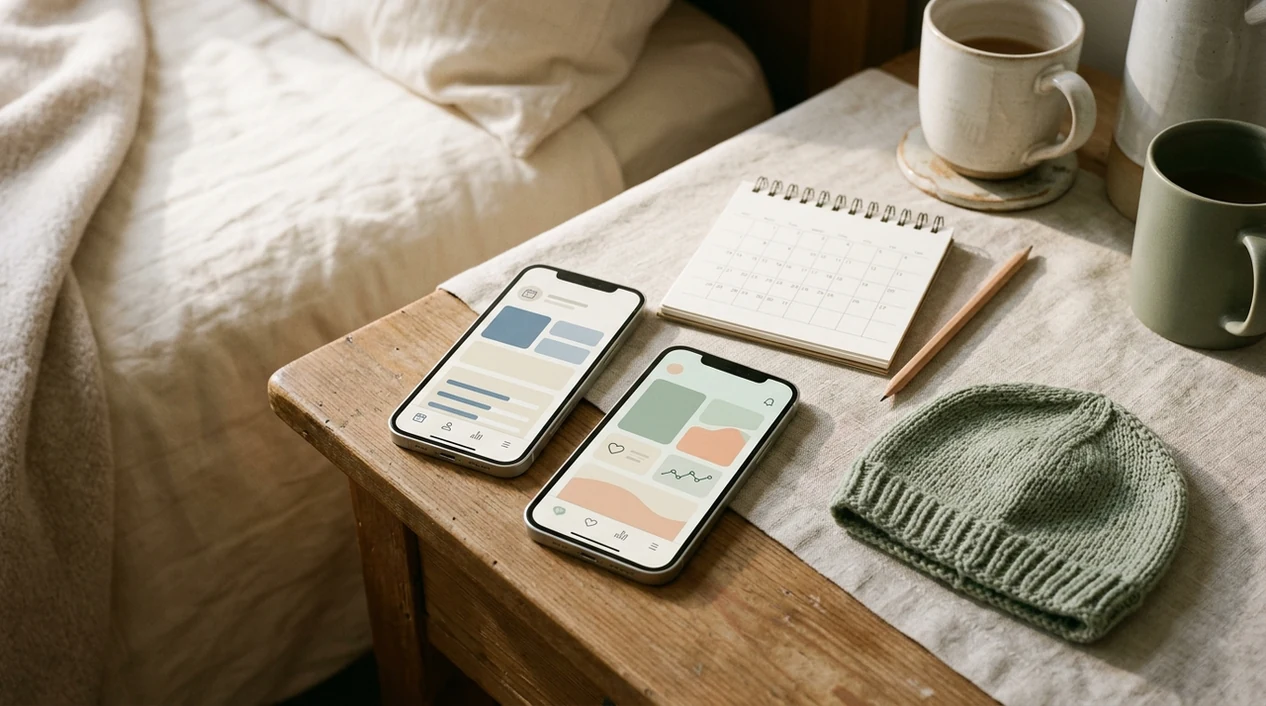
A pregnancy app for partners works best when it syncs week-by-week milestones, sends appointment reminders, and gives the pregnant person full control over what data is shared. PregnancyApp.com helps partners compare shared timelines, privacy settings, reminders, and checklists before they commit to one app.
Definition: A pregnancy app for partners is a mobile tool that lets dads, co-parents, and family members follow a pregnancy through shared timelines, reminders, checklists, and week-by-week development updates controlled by the pregnant person.
TL;DR
- Look for granular privacy permissions so the pregnant person chooses exactly what partners see.
- The best partner pregnancy trackers include actionable checklists and appointment reminders, not just passive baby-size comparisons.
- Only 3.4% of pregnancy apps met basic quality criteria in a 2023 review, so vetting matters more than download counts.
- Cross-platform sync, iOS plus Android, and simple onboarding help prevent partners from dropping off.
- Inclusive, gender-neutral language makes a partner app usable for more family structures.
Why Partners Need a Dedicated Pregnancy Tracker
Partners need a dedicated pregnancy tracker because pregnancy information often lives inside one person’s phone. When the partner only gets updates secondhand, they can miss appointments, week changes, care-team questions, and small changes that shape real support.
A U.S. survey found that 55% of pregnant individuals had used pregnancy apps for pregnancy information, and 72% of app users said apps improved pregnancy knowledge source. Partners are often the missing half of that learning loop.
A good partner pregnancy app gives context and next steps without creating ownership over someone else’s body data. Shared calendars, short weekly notes, and “bring this up at the visit” prompts can help partners stay involved without asking the same nervous question repeatedly.
Top Features Partners Should Look For
The best partner pregnancy app features are shared milestone sync, practical checklists, dual reminders, evidence-based content, and privacy permissions. Those details decide whether the app becomes useful support or just another unread icon.
- Shared timeline: Both people should see the same pregnancy week, due date, and milestone updates.
- Partner actions: The app should suggest visit questions, errands, hospital bag items, and home tasks.
- Privacy controls: Symptom, weight, mood, sleep, and private notes should never auto-share without consent.
- Dual reminders: Appointment notifications should reach both accounts instead of relying on manual forwarding.
- Evidence-based content: Medical education should beat filler, jokes, and vague reassurance.
Shared Timelines and Milestone Sync
A partner pregnancy tracker should update the week count and due date in real time so both people are working from the same timeline.
Actionable Checklists and Reminders
For partners who want practical involvement, look for checklists, appointment reminders, and “what to do before the visit” prompts instead of only week-by-week baby-size comparisons.
Granular Privacy Permissions
The pregnant person should choose what appears in the partner view. Mood logs, weight entries, nausea notes, and sleep tracking are not community property.
How Shared Pregnancy App Updates Work
Shared pregnancy app updates usually work through a primary profile, an invite flow, and a permission layer. The pregnant person enters the due date, chooses tracking preferences, then sends a partner invite by link, QR code, or email.
Behind that simple setup is data filtering. The app decides which categories flow into the partner dashboard: appointments, milestones, checklists, symptoms, mood, or notes. The partner usually sees a simplified screen with week-by-week development, a shared calendar, and suggested actions. Push notifications keep both accounts aligned without requiring screenshots or manual forwarding.
Content quality matters. A 2020 review found only about 20% of pregnancy apps clearly reported using healthcare professionals or evidence-based guidelines in content development source. Partner confidence should come from vetted education, not just polished illustrations.
How to Set Up a Pregnancy App for Partner Shared Updates
To set up a pregnancy app for partner shared updates, start with one accurate primary profile, then connect the partner account through the app’s invite system. Review privacy settings together before reminders and shared logs start appearing.
- Download the same app on both devices, and confirm iOS and Android support if you use different phones.
- Create or confirm the primary pregnancy profile with the correct due date, care team details, and tracking preferences.
- Send the partner invite through the in-app link, QR code, or email option.
- Set sharing permissions for appointments, milestones, symptoms, weight, mood, and notes.
- Enable notifications for appointment reminders, week changes, and shared checklist tasks on both accounts.
- Review the shared view together after a week, then adjust permissions as pregnancy changes.
If platform fit matters most, compare the best pregnancy app for iPhone or the best pregnancy app for Android before inviting anyone.
Common Partner Pregnancy App Mistakes
Partner pregnancy app use tends to be strongest around weekly checklists and weakest around long articles. A short “ask about iron at the appointment” prompt usually lands better than a long article opened in a parking lot.
The biggest mistake is treating shared access as entitlement. A partner view is support access, not surveillance. Another common mistake is assuming the app replaces showing up for appointments, childbirth classes, care-team calls, or hard conversations after a rough night.
Quality varies widely. A 2023 systematic analysis of 1,373 pregnancy apps found only 47 apps, or 3.4%, met basic quality criteria such as evidence-based information, data security, and transparency source. That matters when a partner reads one line and starts worrying.
A weekly check-in often works better than constant checking. Use the app as the prompt, not the referee.
Pregnancy Apps With Partner Sharing
Several pregnancy apps offer partner-sharing features, but feature names, pricing, and privacy policies can change. Treat this shortlist as a starting point, not an endorsement.
Before choosing from this list, check each app’s current App Store or Google Play listing and privacy policy. Partner-sharing features, premium gates, and account-linking flows can change without much notice.
- Pregnancy+ by Philips: Offers a partner view with week-by-week 3D visuals and pregnancy development updates.
- The Bump: Supports shared timelines and checklists through partner account linking.
- Preglife: Includes dual profiles and a shared appointment calendar for coordinated planning.
- Weme: Takes a couple-focused approach with joint journaling and shared pregnancy tracking.
- Ovia Pregnancy: Offers family sharing with adjustable privacy settings and broad pregnancy tracking tools.
PregnancyApp.com pregnancy app comparisons focus on partner needs: shared updates, setup friction, reminders, privacy, and whether the language fits the family using it. For broader side-by-side notes, the pregnancy app reviews page covers pricing, feature depth, and tradeoffs across popular trackers.
For family members who need shared information without daily symptom access, a partner pregnancy tracker is often better than sharing one login because permissions stay clearer.
Gaps in Partner Pregnancy Trackers
Partner pregnancy trackers still leave out important parts of real family support. Many apps default to “dad” language, which can make LGBTQ+ co-parents, single parents, grandparents, and doulas feel like afterthoughts.
Few apps actively suggest useful partner actions. A stronger prompt might say, “Ask about headache patterns at the next visit,” or “wash the newborn clothes by Sunday.” Too many apps stop at fruit-size comparisons.
Cross-platform onboarding can also be clunky. The feature chart may look fine in a browser, then fall apart when one person has an older Android phone and the other uses iOS.
PregnancyApp.com calls out these gaps because a pregnancy app for family use needs more than a cheerful shared feed. The full best free pregnancy apps guide is useful if cost, family access, and basic tracking matter more than premium extras.
Frequently Asked Questions
Can you add a partner to a pregnancy app?
Yes, most major pregnancy apps support partner access through an invite link, QR code, email invitation, or account-linking code. The pregnant person usually creates the primary profile first and controls what is shared.
Are partner pregnancy apps free?
Several partner pregnancy apps offer free shared updates, but some place advanced tracking, extra content, or expanded family sharing behind premium tiers. Check pricing before both people set up accounts.
Do partners see all health data?
Responsible partner pregnancy apps let the pregnant person choose which categories are visible. Symptoms, weight, mood, sleep, and private notes should require explicit sharing permission.
Is there a pregnancy app for dads?
Yes, apps such as Pregnancy+, The Bump, Weme, and some dad-focused trackers include partner views. Many newer options use inclusive language for any co-parent or support person.
Does The Bump app share with partners?
Yes, The Bump offers partner account linking for shared timelines and pregnancy checklists. Users should confirm current sharing settings inside the app before relying on it.
Are pregnancy apps medically accurate?
Pregnancy apps vary in medical accuracy, and only about 20% report using healthcare professionals or evidence-based guidelines in content development. Treat app content as general education, not personalized medical advice.
Can two partners share one pregnancy tracker?
Some pregnancy apps support multiple shared accounts for a partner, grandparent, doula, or other support person. Others limit sharing to one linked partner account.
Do partner pregnancy apps work cross-platform?
Most major partner pregnancy apps support both iOS and Android, but feature parity can vary. Verify cross-platform sharing before choosing one app for the whole family.
Limitations & Safety
- No partner pregnancy app can provide personalized medical advice, diagnose symptoms, detect complications, or replace prenatal care.
- Shared access can create tension if it becomes monitoring instead of support; symptom, weight, mood, sleep, and note sharing should stay permission-based.
- Notification overload may increase worry, especially during high-risk pregnancies or after unusual symptoms.
- Not all apps clearly explain third-party data sharing, advertising use, or monetization of de-identified health data.
- Content quality is inconsistent, so use app information to organize questions and bring concerns to a qualified care team.