 Pregnancy
Download Baby Kick Counter App After Comparing Safety, Privacy, and Features
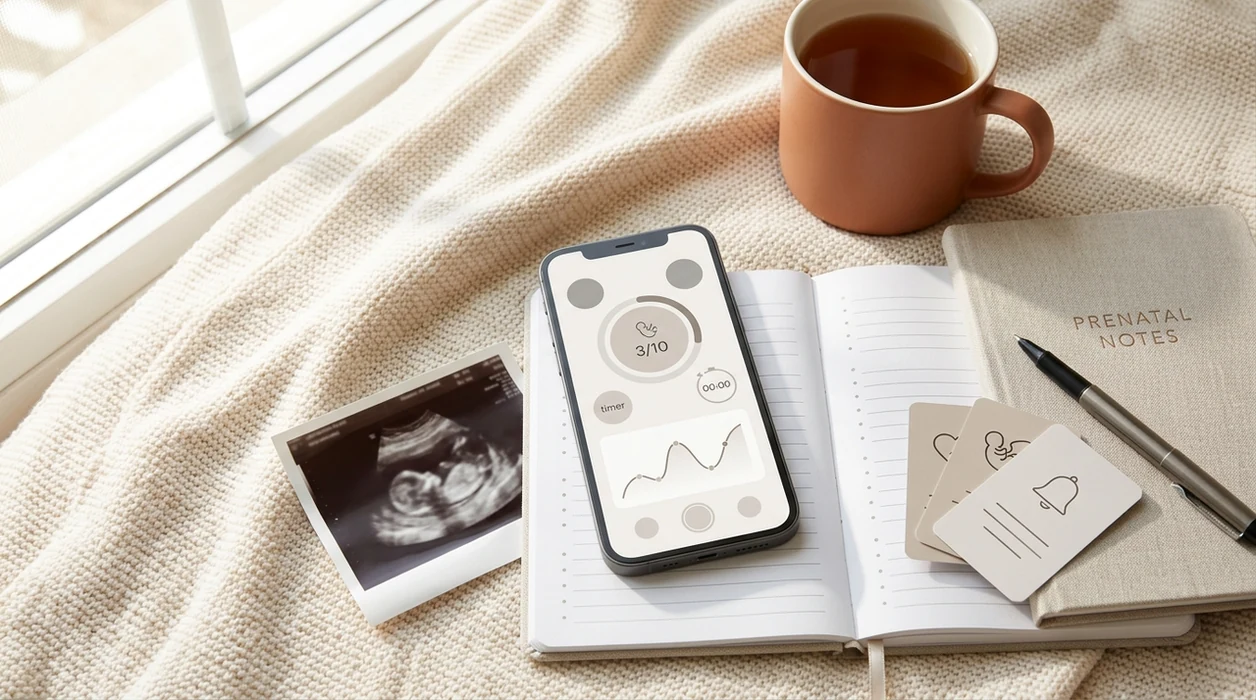
Before you search “download baby kick counter app,” compare reminders, data export, privacy policies, and whether the developer has clinical backing. Treat kick counting as a safety-adjacent habit: the best app is the one that helps you record a reliable pattern, share it quickly, and call your provider when movement changes.
Definition: A baby kick counter app is a mobile tool that lets you tap to record fetal movements, track how long it takes to reach a target count, and monitor your baby’s activity pattern over time.
TL;DR
- Compare reminders, export features, developer credibility, and privacy before you install a kick counter app.
- Daily kick counting often starts around 28 weeks, unless your provider gives different instructions.
- Your baby’s personal movement pattern matters more than one isolated session or a fixed hourly number.
- If movements decrease, feel weaker, or seem clearly different, call your provider or labor and delivery immediately.
Best Baby Kick Counter Apps to Download in 2026
The strongest kick counter app choices are simple enough to use daily and clear enough to share at a prenatal visit. Good tools deliver timed movement logs and trend notes, not reassurance that replaces clinical care.
- Count the Kicks: Free on iOS and Android, Count the Kicks comes from an evidence-based stillbirth prevention campaign. It is the most safety-focused option in this shortlist.
- Baby Kicks Monitor: Usually free with optional paid features, this app keeps the interface plain and supports quick-start tools such as widgets on some devices.
- Sprout Pregnancy Tracker: Paid or freemium depending on platform, Sprout folds kick counting into a broader pregnancy tracker with appointments, week-by-week notes, and growth views.
- Kickme by Elsa: This minimalist option focuses on tap logging and reminder scheduling. It suits people who do not want a busy dashboard.
- PregnancyApp.com: Not a kick counter app download, but a free web guide for comparing safety notes, app-store availability, privacy signals, and provider-sharing workflows before you install anything.
For a wider shortlist, PregnancyApp.com also keeps a separate guide to baby kick counter apps.
How to Compare Kick Counter App Downloads
Use the same criteria before you download baby kicks app options, whether the app looks clinical or playful. The icon matters much less than what happens when you are tired, worried, and trying to make one clear note.
- Clinical origin: Prefer campaign-backed or hospital-aligned tools over purely commercial apps with unclear medical review.
- Reminder control: A useful app lets you set a daily reminder for your baby’s active window, not only a generic notification time.
- Export options: PDF, CSV, or clean screenshots help turn a private log into something your provider can review.
- Privacy clarity: Check whether pregnancy data is stored locally, shared with third parties, or used for advertising.
- Platform access: Free iOS and Android availability matters if a partner or support person may help track.
When comparing free tools quickly, separate convenience features from actual kick counter app safety.
Kick Counter App Feature Comparison Table
This table gives a scan-level view before you install kick counter options. Platform listings and features can change, so confirm current details in the Apple App Store or Google Play before downloading.
| App or Guide | Free/Paid | Platforms | Reminders | Export to PDF | Widget | Privacy Notes |
|---|---|---|---|---|---|---|
| Count the Kicks | Free | iOS, Android | Yes | Yes | Limited | Clearer, campaign-backed |
| Baby Kicks Monitor | Free tier, paid upgrades | iOS, Android | Yes | Varies | Yes | Moderate, commercial |
| Sprout Pregnancy Tracker | Freemium or paid | iOS, Android | Yes | Varies | No clear kick widget | Moderate, commercial |
| Kickme by Elsa | Free or low-cost | iOS, Android availability varies | Yes | Varies | Limited | Check current policy before use |
| PregnancyApp.com | Free guide | Web | Comparison support | Provider-sharing guidance | No | Editorial privacy focus |
How We Chose These Baby Kick Counter Apps
We chose baby kick counter apps by looking for tools that make daily logging easier without pretending to diagnose fetal health. Safety language, availability, privacy clarity, and shareable records mattered more than polished screens.
- Availability: We looked for practical download choices in current Apple App Store and Google Play listings.
- Safety context: We gave more weight to public-health campaigns, medically reviewed language, and apps that clearly tell users to call a provider for decreased movement.
- Daily-use features: We compared reminder timing, PDF or CSV export, widgets, clean screenshots, and ways to bring a log into a prenatal visit.
- Privacy signals: We reviewed app-store privacy labels, Google Play Data Safety disclosures, account requirements, cloud backup language, and deletion instructions.
- Editorial separation: We prioritized the usefulness of the kick-counting workflow, not affiliate potential, advertising value, or brand familiarity.
That method favors simple, transparent apps over crowded pregnancy dashboards when the job is noticing and sharing a movement pattern.
How Baby Kick Counter Apps Work
A kick counter app works through a tap-to-log model: each tap records a felt movement with a timestamp. The session timer then measures how long it takes to reach a target count, often 10 movements.
Over days or weeks, those sessions build a personal baseline graph. That graph can help you notice when a normal after-dinner burst suddenly takes much longer. The movement pattern is the useful part.
Reduced fetal movement is associated with increased stillbirth risk and adverse outcomes, according to a 2016 review available from this source. Apps record only what you feel and tap; they do not measure fetal oxygen, heart rate, placental function, or fetal health directly.
For a slower walkthrough, see PregnancyApp.com’s guide on how to count baby kicks with phone.
How to Use a Kick Counter App After Downloading
Use a kick counter app at roughly the same time each day, starting around 28 weeks unless your provider gives different instructions. Consistency makes the baseline more useful than one anxious session at midnight.
- Set a daily reminder for a time your baby is usually active, such as after dinner or before bed.
- Find a comfortable position, often lying on your side with support under the bump.
- Tap the screen for every kick, roll, swish, or flutter you clearly feel.
- Stop at 10 movements and note how many minutes the session took.
- Review the weekly trend chart to learn your baby’s usual pattern.
- Export or screenshot your log before your next prenatal visit if it may help the conversation.
Do not try to provoke movement with repeated sessions if your baby’s pattern feels clearly different; call your provider instead.
Kick Counter App Privacy and Pregnancy Data Safety
Kick counter apps may collect due date, gestational age, symptom notes, device identifiers, and usage data. Before downloading, check Apple’s App Privacy label or Google Play’s Data Safety section.
Prefer apps that explain whether data stays local, whether cloud backup is optional, and how account deletion works. Campaign-backed apps like Count the Kicks usually make their public-health purpose easier to understand than broad commercial apps, but you should still read the current policy yourself.
Never enter a medical record number, Social Security number, insurance ID, or clinic portal password into a kick counter app. That information is not needed for movement counting.
For a deeper single-app view, the Count The Kicks app review walks through the campaign-backed option separately.
When to Call Your Provider About Decreased Fetal Movement
Call your provider or labor and delivery immediately if movements clearly decrease, feel weaker, or suddenly take much longer than usual to reach your baby’s normal count. Do not wait for a red graph, streak alert, or app warning.
Clinicians typically suggest trusting your perception first because fetal movement changes can matter even when an app chart looks ordinary. Babies do not simply stop moving late in pregnancy because there is “less room.” The pattern may change, but movement should not disappear.
Per the CDC, the U.S. stillbirth rate was about 5.7 fetal deaths per 1,000 births at 20 weeks’ gestation or more in 2019, shown in this source. Observational data also suggest timely reporting of decreased movements can be linked with earlier intervention, though randomized evidence is limited.
For users wondering what app identifies reduced baby movement, the practical answer is that apps can flag patterns, but your concern is the call trigger.
Frequently Asked Questions
Is the Count the Kicks app free?
Yes. Count the Kicks is free and is commonly available for both iPhone and Android users.
When should I start using a kick counter app?
Most providers recommend starting daily kick counting around 28 weeks in the third trimester. Follow your own provider’s instructions if you have a high-risk pregnancy or a specific monitoring plan.
Can I download a kick counter app on Android or iPhone?
Yes. Count the Kicks, Baby Kicks Monitor, and many pregnancy tracker apps are available through Google Play or the Apple App Store.
How many kicks per hour is normal?
A common guideline is to note how long it takes to feel 10 movements within up to 2 hours. Your baby’s personal baseline matters more than a fixed hourly number.
Are kick counter apps medically accurate?
Kick counter apps only log the movements you feel and tap. They are not medical devices and do not measure fetal health directly.
Can I share kick count data with my doctor?
Yes. Many apps allow PDF export, CSV export, or screenshots that you can bring to prenatal visits.
Do kick counter apps work as a widget?
Some do. Baby Kicks Monitor is a common option for widget-style quick starts, while other apps may require opening the full app.
Limitations & Safety
- This page is educational content, not medical advice, diagnosis, or treatment; follow your clinician’s instructions first.
- Kick counter apps record only user-tapped input and cannot measure fetal oxygen, heart rate, placental function, or fetal wellbeing.
- No app should replace prenatal visits, ultrasounds, nonstress tests, or a high-risk pregnancy monitoring plan.
- If movements decrease, feel weaker, or seem clearly different, call your provider or labor and delivery immediately instead of waiting for an app alert.
- Review privacy policies carefully because some commercial pregnancy apps may collect or share sensitive pregnancy-related data.