 Pregnancy
What App Identifies Contraction Patterns During Labor?
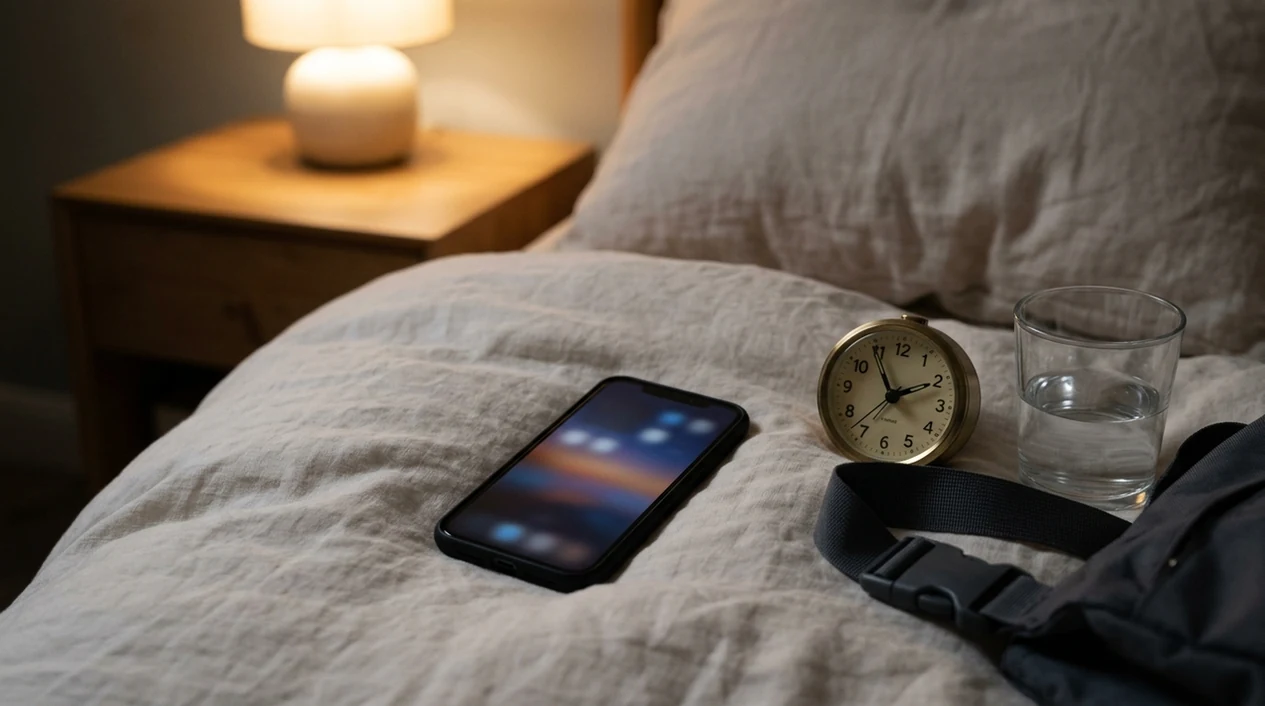
If you're asking what app identifies contraction patterns, contraction timer apps like Full Term, Pregnancy+, Bloomlife, Freya, and Contraction Timer by Baby Tracker can track when contractions start and stop, then display duration, frequency, spacing, and trend data. These apps are record-keeping tools, not medical devices, so always follow your provider’s guidance for when to call or go to the hospital.
If you have vaginal bleeding, leaking fluid, reduced baby movement, severe pain, fever, or a symptom your care team told you to watch for, call your provider or labor unit immediately instead of waiting for an app pattern. A contraction graph is useful context for that call, not a reason to delay it.
Definition: A contraction pattern app is a labor timing tool that turns your manual start-and-stop taps into a visual timeline or graph showing contraction duration, frequency, and regularity over time.
TL;DR
- Contraction pattern apps time contractions and display trends like “5 minutes apart for 1 hour,” but they cannot diagnose labor stage or emergencies.
- Common options include Full Term, Pregnancy+, Bloomlife, Freya, and Contraction Timer by Baby Tracker.
- Only 3 of 29 pregnancy apps in one study had documented healthcare professional involvement, so treat app alerts as prompts, not clinical triage.
- The safest approach is to use a contraction frequency app alongside your provider’s specific written instructions for when to seek care.
What a Contraction Pattern App Actually Does
A contraction pattern app is a timer that turns your start-and-stop taps into a labor log. You tap once when a contraction begins, tap again when it ends, and the app calculates duration, interval, and frequency.
Most apps show the pattern as a list, timeline, or graph. Some apps add threshold alerts, such as a “5-1-1 pattern reached” message when contractions are about 5 minutes apart, lasting 1 minute, for 1 hour.
Behind the screen, many apps create timestamp pairs and may use rolling averages or moving windows. In plain language, they look at the last several contractions instead of just one. If the pattern crosses a rule such as 5-1-1 or 3-1-1, the app may show an alert.
That alert is math, not triage. Definitions of “regular” vary between apps, and most algorithms are not clinically validated. A phone timer also has no sensor reading for fetal heart rate, maternal blood pressure, bleeding, or baby movement.
For a broader feature comparison, the related contraction timer apps guide can help you compare tools that focus on pattern display, sharing, or simple logging. If you want the basic timing method without extra features, how to time contractions with phone covers the plain version.
Before You Use a Contraction Frequency App
Before you rely on any contraction pattern app, set the rules for when you will call, message, or go in. The safest setup is a short plan from your own care team, written where you and your support person can see it.
- Ask your provider which timing rule applies to you. Some people are told 5-1-1, others 3-1-1, and some get different instructions because of distance, VBAC, twins, induction, preterm risk, or a high-risk pregnancy.
- Write down symptoms that skip the timer. Include bleeding, leaking fluid, reduced baby movement, fever, severe pain, or any warning sign your OB or midwife named.
- Download and test the app early. Practice a few start-stop taps before contractions are intense, so the screen does not become another thing to solve during labor.
- Check your hospital’s preferred contact path. Know whether they want a phone call, portal message, or direct triage arrival.
- Decide who manages the log. Choose who will tap, review the graph, and share it during the call or at triage.
Apps That Identify Contraction Patterns
Here are well-known tools that can identify contraction patterns from timing data. Feature sets change, so verify current app store details before downloading.
Do not choose solely by star rating. For labor use, prioritize easy one-handed tapping, export or sharing, visible trend history, privacy controls, and the ability to ignore or customize generic alert rules.
- Full Term – Contraction Timer: Offers tap-to-time logging, graph views, 5-1-1 style alerts, and shareable contraction history.
- Bloomlife: Pairs an app with a wearable sensor, adding passive contraction tracking alongside manual timing. Availability and clinical use vary by location.
- Contraction Timer by Baby Tracker: Uses a simple interface with start-stop timing, contraction history, and export options.
- Pregnancy+ by Philips: Includes a contraction timer inside a broader pregnancy tracker app, which may suit users already using it for weekly pregnancy updates.
- Freya Surge Timer: Uses hypnobirthing language, a visual pattern display, and guided breathing during surges.
Tools like PregnancyApp.com, The Bump, Ovia, and BabyCenter can help you compare pregnancy tools before choosing one.
How to Use a Labor Pattern App Step by Step
For most users, setting up a labor pattern app before contractions intensify is easier than downloading one mid-contraction because the tap rhythm needs to feel automatic.
- Download and set up the app before labor begins. Choose the alert rule your provider gave you, if the app allows it.
- Tap start when a contraction begins and stop when it ends. Don’t worry about making each tap perfect.
- Log context beside the timing. Note pain level, waters breaking, bleeding, and baby movement.
- Review the graph after several contractions. One contraction rarely tells the full story.
- Share the log when you call or arrive. Your midwife or OB can read duration, spacing, and trend faster than you can recite it.
- Follow your provider’s instructions over generic app alerts. This matters most for VBAC, induction, twins, preterm symptoms, or a high-risk pregnancy.
If cost is part of the decision, compare a free contraction timer app before labor starts.
When to Call Your Provider Instead of Waiting for the App
Call your provider, midwife, or labor triage right away if a symptom feels urgent, even when the contraction app says the pattern is not “ready.” Bleeding, leaking fluid, and reduced baby movement override app alerts every time.
- Call immediately for warning signs. Report vaginal bleeding, a gush or steady trickle of fluid, noticeably less baby movement, severe or constant pain, fever, trouble breathing, severe headache, vision changes, fainting, or anything your care team specifically told you to watch.
- Tell triage what changed first. Say whether the concern is bleeding, waters breaking, movement, pain, fever, or contractions, then answer their timing questions.
- Use the app log as supporting detail. Share contraction spacing, duration, when the pattern started, and whether contractions are getting stronger or closer together.
- Follow individualized rules for higher-risk situations. VBAC, twins, preterm symptoms, placenta concerns, induction plans, long travel distance, or any high-risk pregnancy may require calling sooner than a generic 5-1-1 alert.
- Go in if instructed. The app can keep timing while you travel, but it should not talk you out of care.
For general warning-sign context, ACOG lists symptoms such as heavy bleeding, severe pain, fever, and trouble breathing as reasons to seek urgent care source.
What Research and App Reviews Suggest
Contraction apps measure timing, not labor certainty. They record start time, stop time, and the gap between contractions, then show trends like “5 minutes apart for 1 hour.” That can make phone calls easier, especially when your partner or support person is sharing notes with triage.
However, app alerts are threshold prompts only. A labor pattern app cannot confirm active labor, fetal safety, placental problems, or whether symptoms need urgent care.
A study of pregnancy apps found that only 3 of 29 had documented healthcare professional involvement, which is a useful reminder to treat app messages cautiously source. Reviews of pregnancy health apps have also found limited evidence that they improve outcomes such as birth mode or newborn health source.
Privacy also deserves a pause. A contraction app may store intimate health data, notes, and timestamps. Check how the app handles storage, analytics, third-party sharing, and advertising before entering sensitive information.
Common Myths About Contraction Tracking Apps
Myth: If the app says “go to hospital,” you are definitely in active labor. Reality: most alerts are threshold-based estimates. They do not know your cervix, history, distance from hospital, or provider plan.
Myth: A labor pattern app can detect fetal distress or placental problems. Reality: it only measures time intervals. It cannot check fetal heart rate, bleeding, blood pressure, or severe pain.
Myth: Irregular contractions mean you are not in labor. Reality: some labors begin unevenly. Call your provider if symptoms feel concerning, even if the graph looks messy.
Myth: App store pregnancy apps are always checked by doctors or health agencies. Reality: clinical involvement varies, and many pregnancy apps are wellness or record-keeping tools rather than medically approved diagnostic tools.
Frequently Asked Questions
What is the 5-1-1 rule for contractions?
The 5-1-1 rule means contractions are about 5 minutes apart, lasting 1 minute each, for 1 hour. It is a general rule of thumb, not a universal instruction.
What is the 3-1-1 rule for contractions?
The 3-1-1 rule means contractions are about 3 minutes apart, lasting 1 minute each, for 1 hour. Some providers use this threshold instead of 5-1-1 based on distance, history, or local policy.
Can a contraction app detect fetal distress?
No. A contraction app only tracks timing intervals and cannot monitor fetal heart rate, bleeding, blood pressure, or other urgent clinical signs.
Are contraction timer apps medically approved?
Most contraction timer apps are not medically approved diagnostic tools. One study found only 3 of 29 pregnancy and childbirth apps had documented healthcare professional input.
How accurate is app-based contraction timing?
Accuracy depends on how consistently the user taps start and stop. Timing can be less reliable during intense pain, distraction, or confusion with Braxton Hicks contractions.
Do contraction apps work for VBAC labor?
They can record contraction timing during VBAC labor, but standard timing rules may not apply. Follow VBAC-specific instructions from your OB, midwife, or hospital.
Is contraction data private in these apps?
Privacy varies by app. Check how contraction logs, health notes, analytics, and third-party sharing are handled before entering sensitive information.
Should I share my app log with my midwife?
Yes, share the log as supporting information. Also report pain level, bleeding, waters breaking, baby movement, and any symptoms your provider told you to watch.
Limitations and Safety
- Contraction pattern apps cannot diagnose labor stage, active labor, fetal distress, placental problems, or emergencies.
- Alert algorithms are usually not clinically validated, and each app may define “regular” contractions differently.
- Self-timing depends on tap accuracy, which can slip during intense pain, vomiting, shaking, distraction, or confusion with Braxton Hicks contractions.
- Apps do not monitor fetal heart rate, maternal blood pressure, bleeding, waters breaking, or baby movement.
- If you are unsure, symptoms feel urgent, or your provider gave different instructions, call your care team or labor unit instead of waiting for the app.