 Pregnancy
How To Time Contractions With Phone Apps Safely
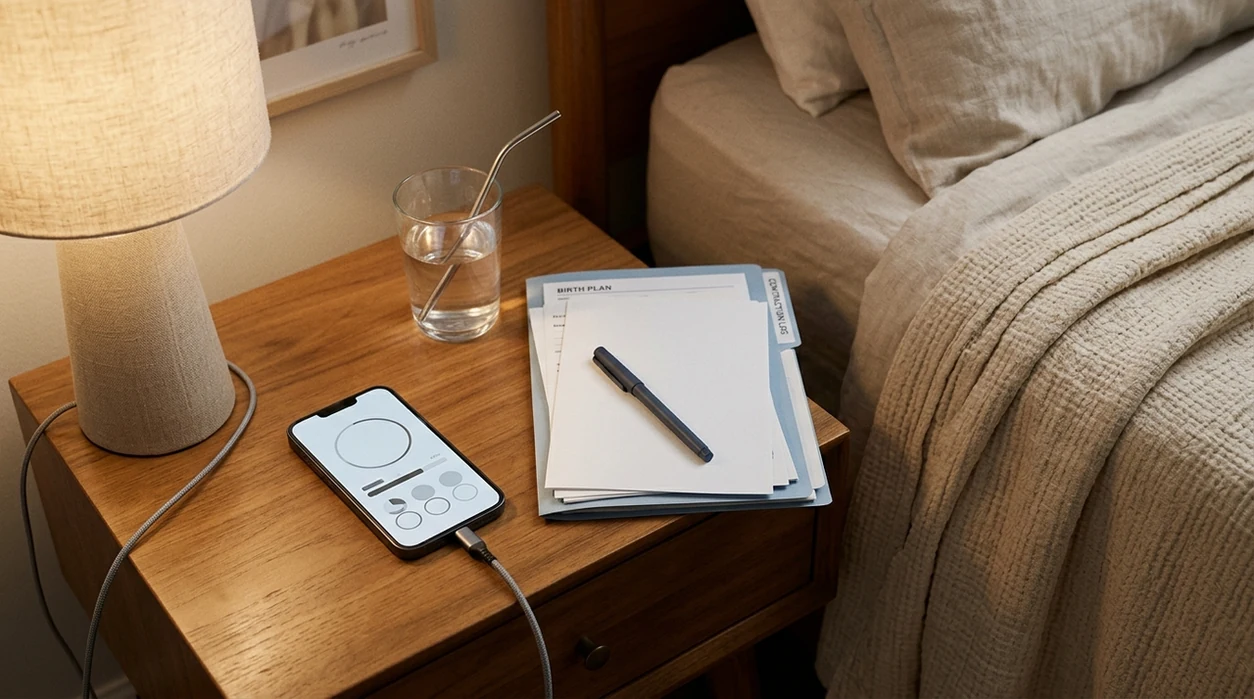
To time contractions with your phone, open a contraction timer app or your built-in stopwatch, tap start when tightening begins, tap stop when it fades, and track duration plus frequency for long enough to see a pattern. Phone timing can give your provider clear, shareable data, but it should never replace your birth team’s instructions about when to call or go in.
Definition: Timing contractions with your phone means using a mobile app or stopwatch to record each contraction’s start time, end time, duration, and start-to-start interval so you can identify patterns and share objective information with your healthcare provider.
TL;DR: Timing Contractions With Your Phone
- Tap start at the first tightening and tap stop when the contraction fully fades.
- Duration is how long one contraction lasts; frequency is measured from the start of one contraction to the start of the next.
- Track for about one hour unless your provider told you to call sooner or urgent symptoms appear.
- The 5-1-1 rule is general: contractions every 5 minutes, lasting 1 minute, for 1 hour. Your provider may give different criteria.
- An app alert is not a diagnosis. Apps cannot assess dilation, fetal wellbeing, baby’s position, bleeding risk, or complications.
What You Need Before Timing Contractions
Before contractions become distracting, set up the practical basics: a charged phone, a timer app or stopwatch, a backup plan, and your written call instructions from your doctor or midwife.
- Download and test your contraction timer before labor feels close.
- Keep your provider’s call number and go-to-hospital criteria in your phone and on paper.
- Ask a support person to run the timer if contractions make tapping difficult.
- Keep a charger nearby and use a notebook as a backup if the phone or app fails.
Smartphone access is high: 98% of U.S. women who gave birth in 2020–2021 reported owning one, according to CDC National Center for Health Statistics survey data source. If you still need to choose a tool, compare contraction timer apps before labor begins.
How Phone Contraction Timers Work
Phone contraction timers record two timestamps for each contraction: when you tap start and when you tap stop. The app then calculates duration, frequency, averages, and visible patterns from those entries.
Duration is how long one contraction lasts. Frequency is the time from the start of one contraction to the start of the next. Some apps use simple rules to flag patterns such as 5-1-1 or 4-1-1, but unless an app has documented clinical validation or regulatory clearance, treat those alerts as convenience prompts rather than medical recommendations.
A contraction timer can organize your data, but it cannot check cervical dilation, fetal heart rate, baby’s position, bleeding risk, or placental health. Tools such as PregnancyApp.com, Flo, Ovia, and BabyCenter can help compare pregnancy app features, but the safest output is still a clear log you can share with your birth team.
How To Use a Contraction Timer App Step by Step
Use a contraction timer app in the simplest possible way: one tap when tightening starts, one tap when it ends, then repeat long enough to see whether contractions are becoming longer, closer together, and more regular.
- Open the app or built-in stopwatch when contractions are noticeable enough to track.
- Tap Start at the first clear tightening.
- Tap Stop when the contraction fully fades, not just when the peak passes.
- Rest between contractions while the app calculates the interval to the next one.
- Repeat for about one hour unless your provider told you to call sooner.
- Review the summary for average duration and frequency.
- Export, text, or screenshot the log so your provider can review the pattern quickly.
If your partner or support person is nearby, let them tap while you breathe. Saying “now” at the beginning and end of each contraction is enough.
Contraction Patterns to Watch For
Contraction patterns matter because they show whether contractions are becoming longer, closer together, and more consistent. The most useful information is duration plus start-to-start frequency, interpreted alongside your provider’s instructions.
| Pattern | Common timing range | What it may suggest |
|---|---|---|
| Early labor | 30–45 seconds, every 5–30 minutes | Often irregular and may build slowly |
| Active labor | 45–60 seconds, every 3–5 minutes | Often stronger and more consistent |
| 5-1-1 | Every 5 minutes, lasting 1 minute, for 1 hour | Common call or go-in threshold |
| 4-1-1 | Every 4 minutes, lasting 1 minute, for 1 hour | Sometimes used for later arrival plans |
MedlinePlus describes early and active labor as progressing from milder, less regular contractions toward stronger contractions that come closer together source. However, your provider’s personalized criteria override any table or app alert.
False labor is also common. Some people evaluated for suspected labor are discharged after observation when cervical change is absent, as summarized in StatPearls via NCBI Bookshelf source.
Braxton Hicks vs. True Labor in an App
A contraction timer may help you compare patterns, but it cannot confirm whether contractions are Braxton Hicks or true labor. Practice contractions often stay irregular or ease with rest, hydration, or changing position, while true labor often becomes stronger, longer, closer together, and more regular over time.
Early labor can still be uneven at first, so an irregular app log does not always mean “not labor.” The key question is whether the pattern is changing and whether you have symptoms that require a call.
If you want to understand pattern-focused tools, what app identifies contraction patterns explains the difference between timing and clinical interpretation.
Common Mistakes When Timing Contractions on Your Phone
The most common timing mistakes are small tap errors that make the data look cleaner or messier than reality. Start at the first tightening, not halfway through the contraction when you finally reach the phone.
- Starting too late: Tap when tightening begins, not when the contraction peaks.
- Stopping too early: Stop when the contraction fully fades, not when it becomes more tolerable.
- Measuring end-to-start instead of start-to-start: Labor contraction frequency is usually measured from the beginning of one contraction to the beginning of the next.
- Watching the screen constantly: If your care team says staying home is appropriate, rest, hydrate, use the bathroom, and conserve energy between waves.
- Ignoring symptoms because the app looks “normal”: Reduced fetal movement, significant bleeding, leaking fluid, severe pain, or a strong concern should prompt a call.
If you are choosing a no-cost tool ahead of time, a free contraction timer app is usually enough for basic timing.
When to Stop Timing and Call Your Provider
Stop timing and call your provider when the app has shown a clear pattern or when your symptoms matter more than the pattern. Contraction timing is supporting information, not the final decision-maker.
Call when contractions meet your provider’s go-to-hospital criteria. Call sooner if your water breaks, you have significant bleeding, fetal movement is reduced, pain feels unusual, or you were given high-risk instructions.
If you are before 37 weeks, treat regular contractions, pelvic pressure, backache, leaking fluid, or bleeding as a reason to call promptly rather than waiting for a one-hour pattern. ACOG preterm-labor guidance emphasizes contacting a clinician when these symptoms appear source.
There is also a practical sign: contractions are too intense for you to operate the phone. At that point, export or screenshot the log if you can, then hand the phone to a support person and follow your birth team’s plan.
Frequently Asked Questions
Can I use the built-in stopwatch to time contractions?
Yes. A built-in stopwatch works if you record start time, stop time, duration, and the start-to-start interval.
What is the 5-1-1 contraction rule?
The 5-1-1 rule means contractions are about 5 minutes apart, last 1 minute each, and continue for 1 hour. Your provider may use different criteria.
Do contraction timer apps replace my doctor or midwife?
No. Contraction timer apps do not replace clinical evaluation, fetal monitoring, or personalized medical advice.
How long should I time contractions before calling?
Many people time contractions for about one hour to identify a pattern, but you should call sooner if your provider told you to or if concerning symptoms appear.
Are contraction timer apps free to use?
Many basic contraction timer apps are free. Some charge for exports, history, ad removal, or added pregnancy tools.
Can Braxton Hicks contractions look like real labor in an app?
Yes. Timing may show whether contractions become regular, but only a clinician can confirm true labor.
Should my partner run the contraction timer app?
Yes, if available. A support person can tap start and stop while you focus on breathing, movement, and coping.
Can I export contraction data from the app?
Many apps let you export, text, email, or screenshot contraction logs. PregnancyApp.com can help compare export features before you download.
What if my phone dies while I am timing contractions?
Use a notepad, a second charged device, or ask a support person to track times. A paper backup is enough until you can call your provider.
Limitations & Safety
- Contraction timer apps measure timing only; they do not assess cervical dilation, fetal heart rate, baby’s position, placental health, or whether labor is clinically safe.
- Most consumer app alerts are based on general timing rules, not your medical history, risk factors, fetal monitoring, or a physical exam.
- Follow your provider’s written instructions over any app notification, including general 5-1-1 or 4-1-1 prompts.
- Call promptly for reduced fetal movement, significant bleeding, leaking or broken waters, severe or unusual pain, fever, regular contractions before 37 weeks, or a strong feeling that something is wrong.
- Missed taps, distraction, pain, poor signal, or a dead battery can make phone logs approximate, so keep a simple backup and share the best information you have.